- 18 -
10. Daily Report 1 (report output: part number control, list type)
10.1. Common features
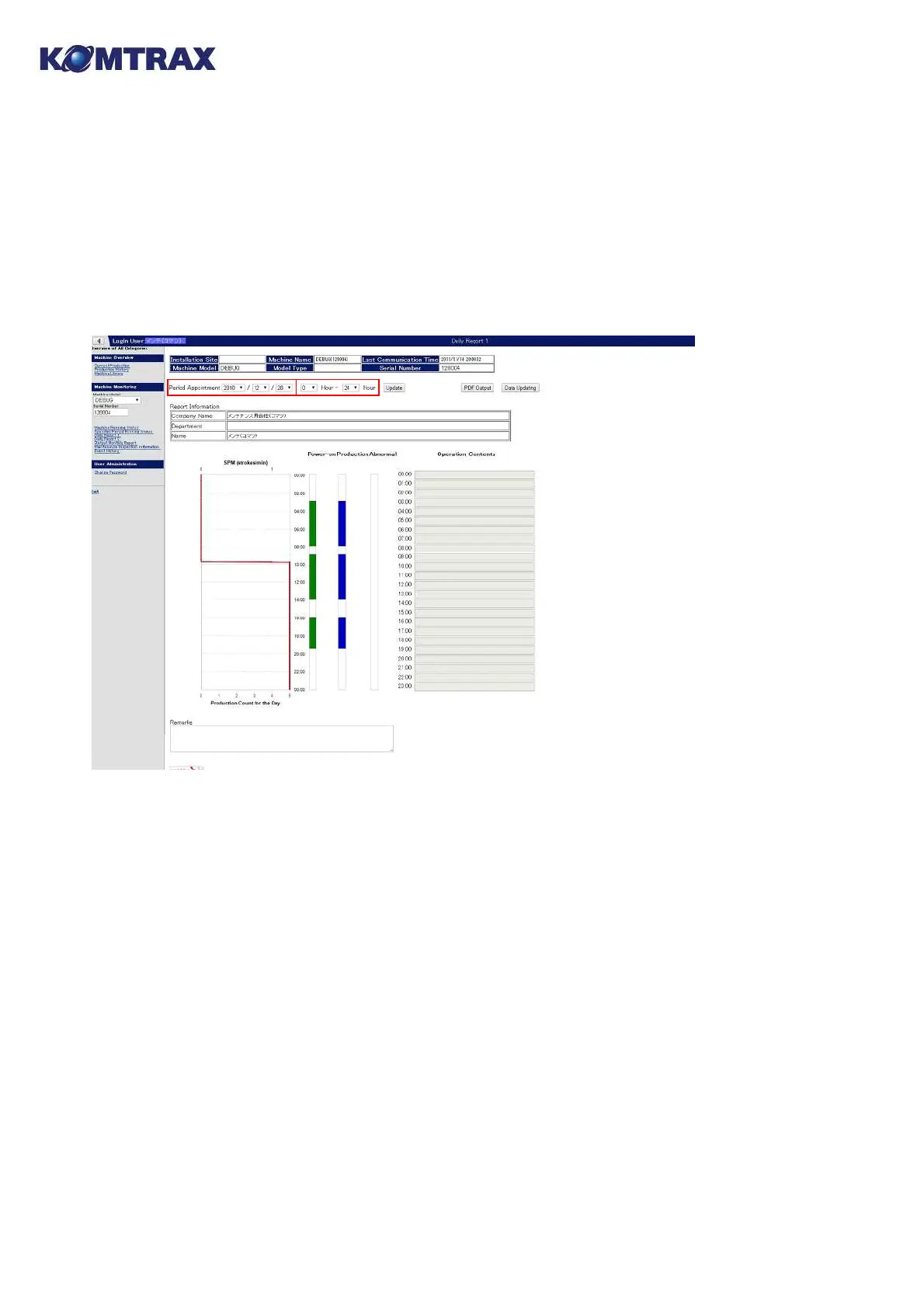
Operation status of the appointed machine is output in a report form. A feature is that
memorandums on the job can be input directly from the PC. The output can be stored as a PDF
file, or be printed out (A4 size is recommended).
■ Description of displayed information
① Period Appointment: Enter dates for output.
② Time Appointment: Enter start time and end time for the graph output. (It will be
convenient to enter start time and end time of your working hour.)
③ Update: of the screen
④ Company Name, Department and Name: Enter person in charge for the report. (Omissible)
⑤ Operation Contents: Enter comments per every one hour. (Omissible)
⑥ Remarks: are displayed in the comment column on the bottom of the report. (Omissible)
⑦ PDF Output: Click for displaying the PDF output screen.
⑧ Data Updating: Click for updating the operation data.
* Previous contents for ② Time Appointment and ④ Company Name, Department and Name
are displayed as initial values next time.



 To Next Page