- 6 -
2. Basic Instructions
2.1. Internet connection
Start the WEB browser and enter the below URL to the address bar.
https://snk-komtrax.komatsu.co.jp/komtrax.KMTR.WEB/
(Enter all letters starting with https://...)
2.2. Login
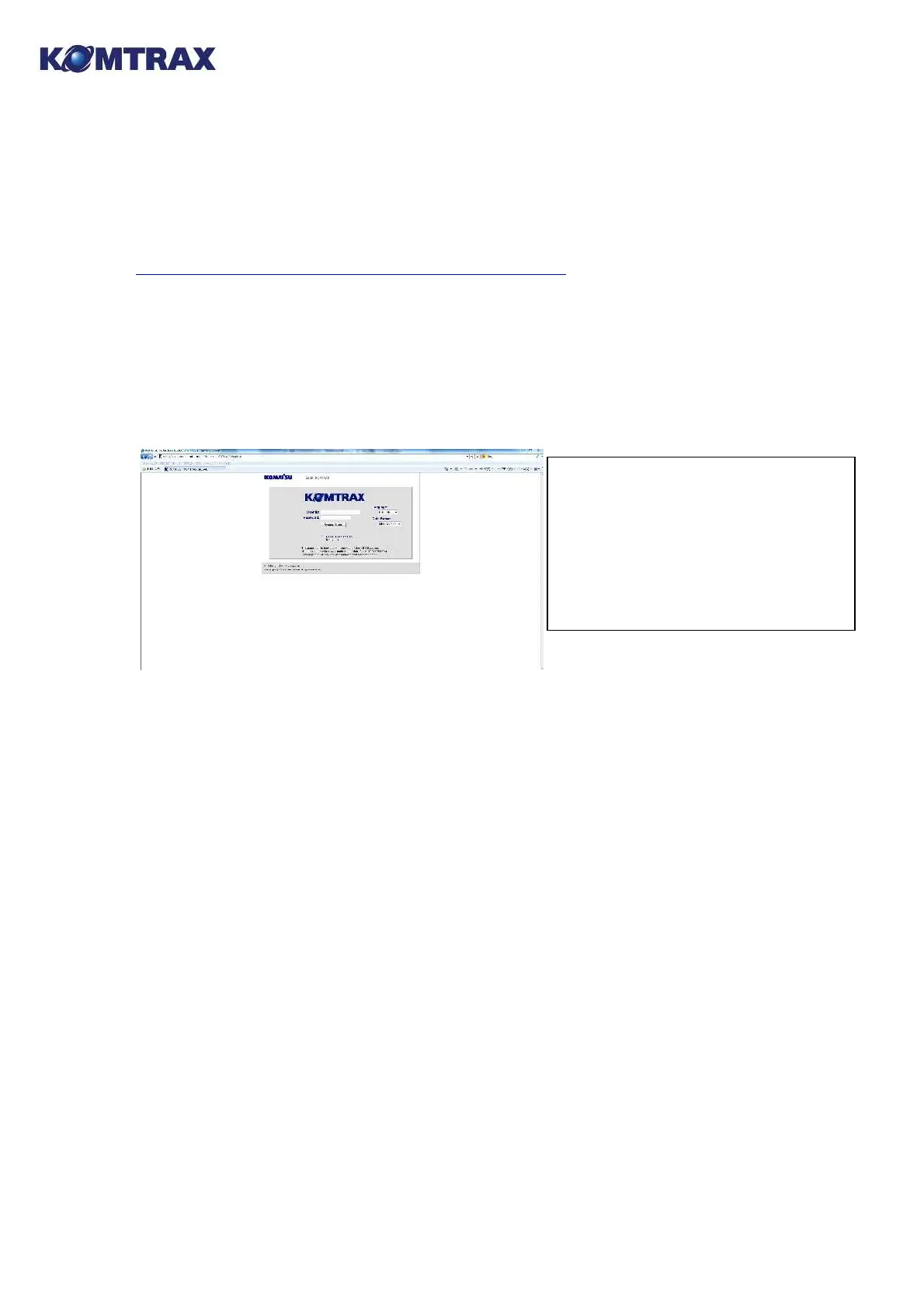
By connecting to the address above, the scree as shown below shall be displayed.
Enter user ID and password, and press the "System Starts" button.
(Note that upper-and lowercase letters of user ID and password have to be distinguished.)
By checking the [Record User name and Environment.], entering the user ID and password
can be omitted from the next time.
Use [Language] and [Date format] as they are.
2.3. Logout
The logout screen shall appear by clicking the [Exit] link on the left of any screen. And you shall
be automatically logged out if you don't operate for 30 minutes.
(* You are not logged out automatically on some screens because of automatic screen
refreshment.)
Remarks:
The user ID and initial password shall
be written on a separate sheet. If you
have lost, contact the "Address for
inquiry" described in the section
above.



 To Next Page