3-27
PC210/240-ENG
4) If small holes or thinner parts are found on the element when it is
checked with an electric bulb after cleaning, replace the element
NOTICE
Do not use an element whose folds or gasket or seal are
damaged.
When cleaning the element, do not hit it or beat it against
something.
5. Remove the cloth and tape used for cover in Step 1.
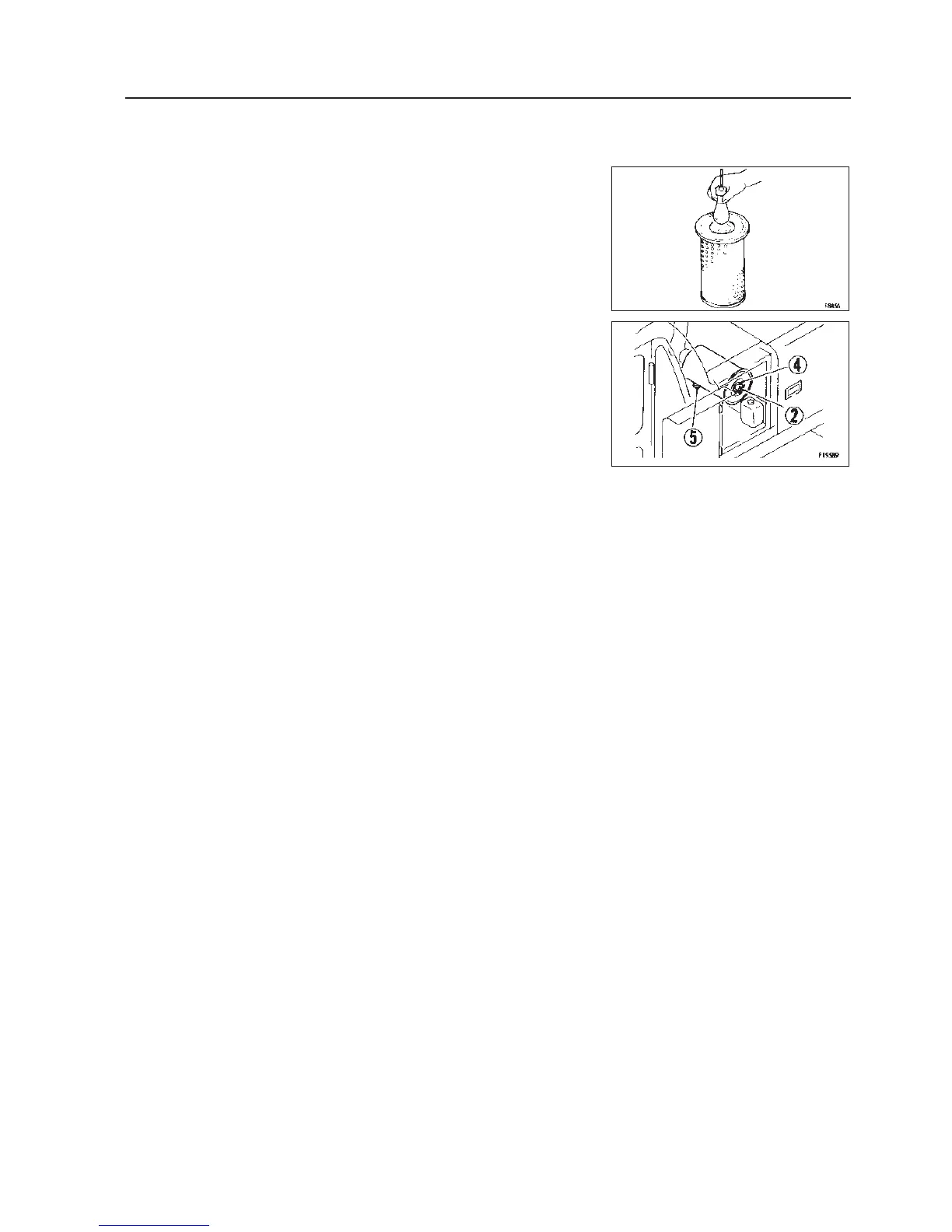
6. Install the cleaned element and fix it with the wing nut.
7. Replace the seal washer v or the wing nut x with new parts if they
are broken.
8. Remove the evacuator valve b and clean it with compressed air.
After cleaning, install it.
Replacing the inner element
1. Firsts remove the cover and the outer element, and then remove the
inner element.
2. To prevent dust from getting in, use a clean cloth or tape to cover the
air connector (outlet side).
3. Clean the air cleaner body interior, then remove the cover installed in
Step 2.
4. Fit a new inner element to the connector and tighten it with the nuts.
Do not clean and reinstall a inner element.
5. Install the outer element and fix it with the wing nut.
24. SERVICE PROCEDURE




 To Next Page