E
PT043328 Issue 3 October 2021 25
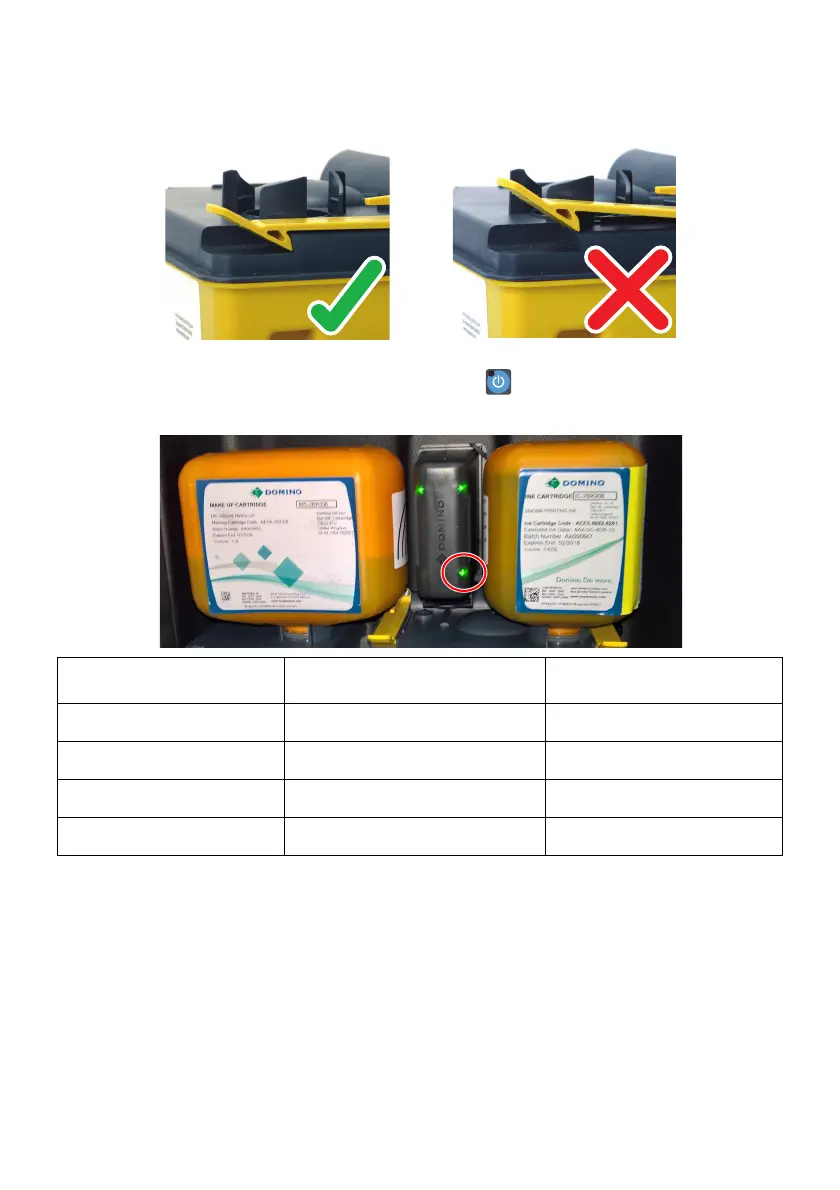
(10) Ensure the ITM retaining clips are engaged.
(11) Re-connect power lead and switch on. (Press for 2 seconds)
(12) Check the ITM QMM status light.
(13) If OK, replace ink and make-up Cartridges, see page 19.
(14) Check for leaks.
(15) Close the door.
(16) Obey local waste disposal regulations to dispose of contaminated paper towels and
the old ITM.
QMM Light Colour Meaning Action
Yellow Not Found Try another.
Flashing Yellow Reading Wait.......
Green Good Use this.
Red Not Good Use valid Cartridge


 To Next Page
 Loading...