34
EPT043328 Iss
ue 3 October 2021
PREPARING THE PRINTER
How to Prepare the i-Pulse RS Print Head (M1630 Jet Only)
Do this procedure when preparing the printer for the first time.
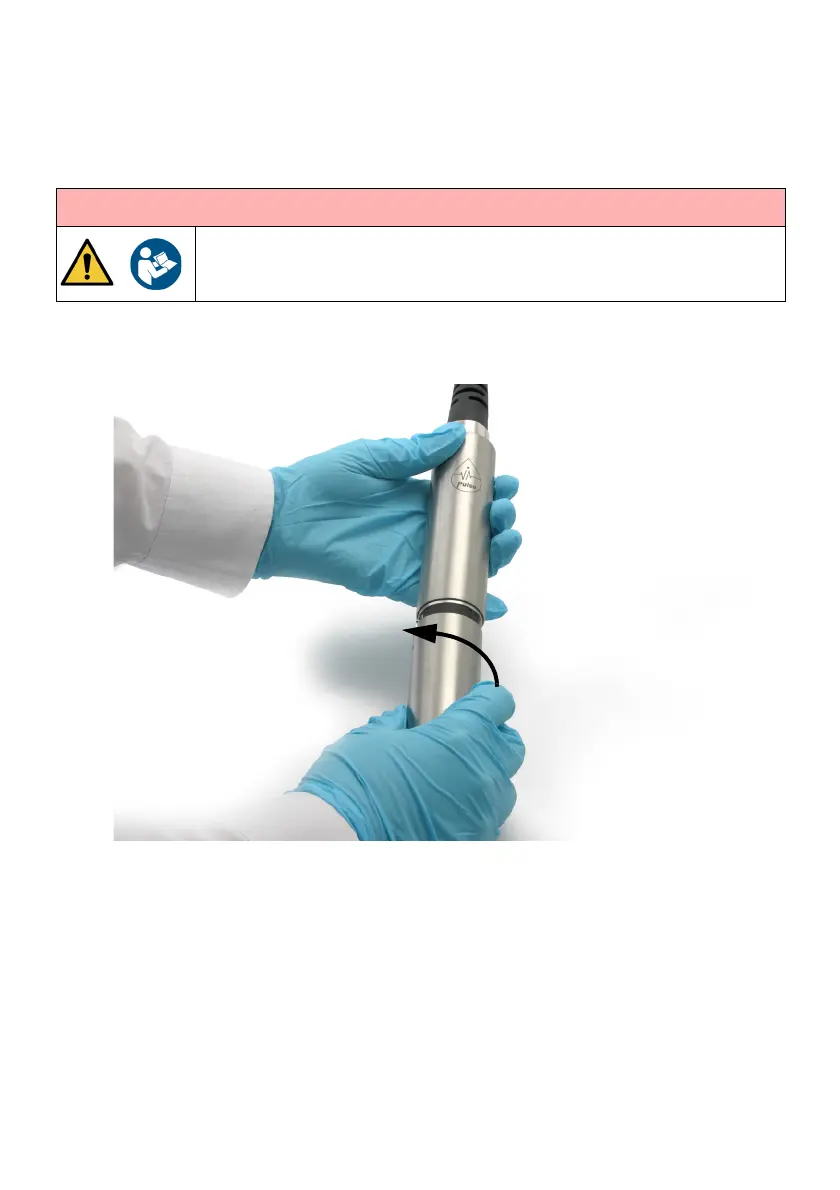
(1) Twist and remove the print head cover.
(2) Check the print head is clean and dry.
(3) Replace the print head cover.
(4) Fit the print head into a wash station, or place a beaker made of a conducting
material and connected to earth (ground) underneath the print head.
WARNING: Risk of personal injury.
Only a trained person may install the printer. For full installation
instructions, refer to the product manual.


 To Next Page