32
EPT043328 Iss
ue 3 October 2021
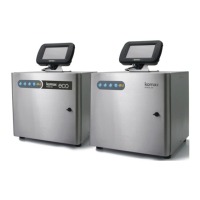
Cabinet Location
Position the printer:
• With enough clearance to open the doors and give access to the cabinet’s front
and rear.
• On a level surface.
• Where it is electrically isolated from other equipment.
• Where the temperature remains within the range +5°C to +45°C (42ºF to 112ºF).
• Where the relative humidity remains within 10% to 90% (non-condensing).
• Such that the vents on the underneath of the cabinet are not obstructed.
Cabinet Mounting
For stability and to minimise vibration, the printer should be mounted on a printer stand
(P/N EPT036922). If a printer stand is not used, then secure the printer base using M6
mounting bolts. Use spacers to ensure the mounting bushes are flush with the mounting
surface.
Electrical Supply
Connect the printer to a power outlet which is accessible and close to the equipment so
that power can be quickly disconnected. If a fused power connector is used, fit it with a 5A
fuse. If a fused power connector is not used, a circuit breaker or fuse rated at 5A is
required.
The supply must be free from electrical noise.
WARNING: Electric shock hazard. Risk of personal injury.
Connect the printer cabinet to ground.
E
lectrical Supply Present: Refer to the product specification label.
Do not replace the power supply cable with a cable that is rated less than
230 VAC. Contact Komax to replace the cable if a new cable is needed.
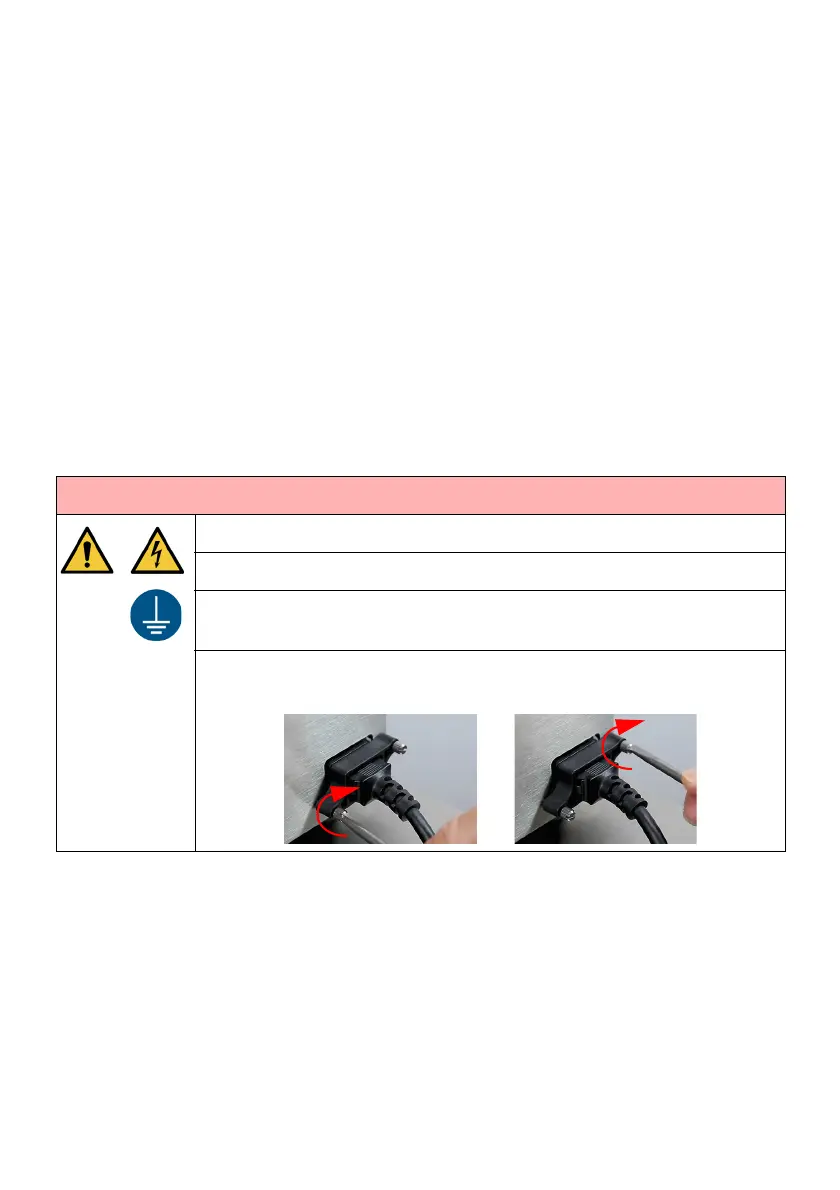
Tighten both screws on the power supply plug to prevent moisture
entering the power supply socket.


 To Next Page