E
PT043328 Issue 3 October 2021 27
How to Clean the Print Head
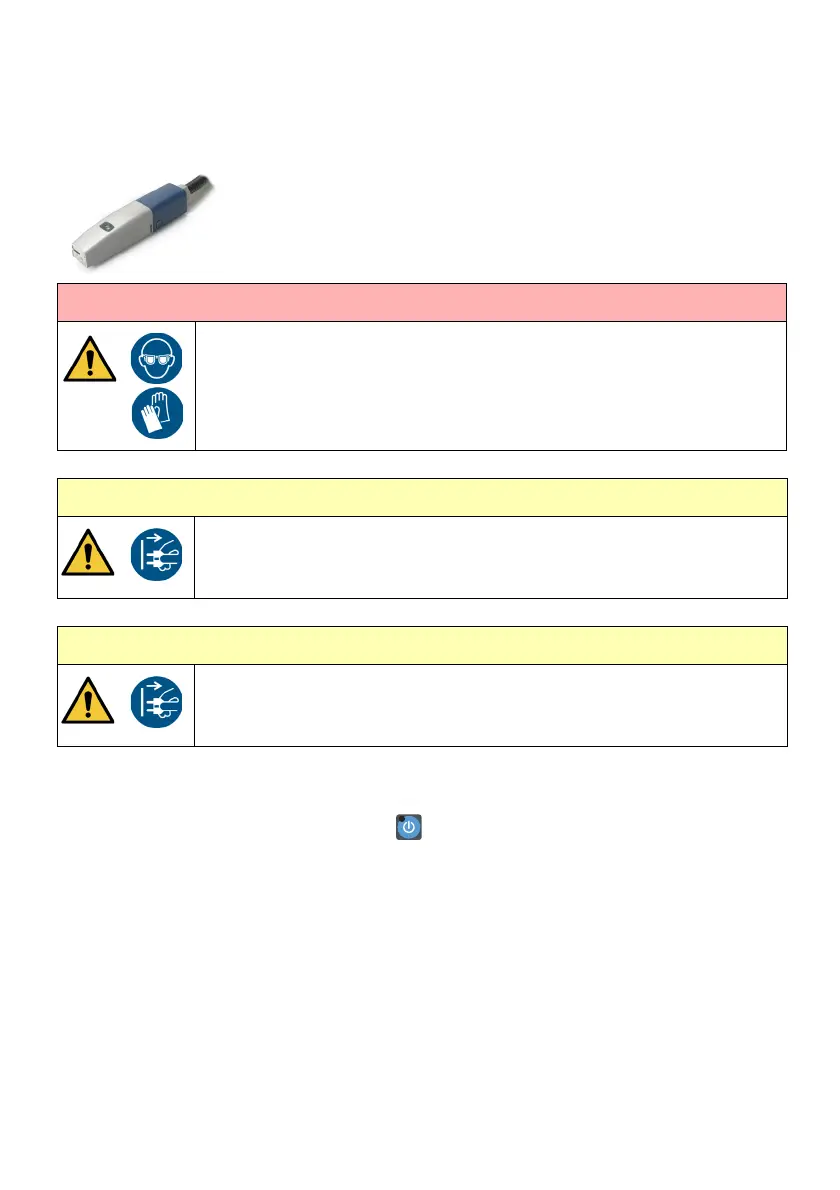
i-Pulse Print Head (M1630 Jet eco Only)
Note: Required tools: T6 Torx Driver, correct wash fluid
To clean the i-Pulse print head:
(1) Press and hold the standby button for 2 seconds and wait for the printer to shut
down.
(2) Disconnect the power lead from the rear of the printer.
(3) Press in the two holster retaining clips on the sides of the print head. Remove the
holster.
(4) Gently squeeze in the sides of the internal cover to release the clips.
Pull gently downwards to lift the lower part away from the print head.
(5) Obey the annotated instructions in the next illustration. If required, use a beaker to
collect waste fluid.
WARNING: Hazardous chemicals. Risk of personal injury.
Wear protective equipment such as gloves and glasses when near the
printer. Physical contact with printer ink or make-up can cause skin or eye
damage.
CAUTION: Switch off printer. Risk of diluting ink.
Switch off the printer before starting this procedure.
I
f the printer is on when this procedure is done, wash will enter the gutter
and may dilute the ink.
CAUTION: Switch off printer. Risk of EHT (Electrical High Tension) trip.
Switch off the printer before starting this procedure.
If the prin
ter is on when this procedure is done, there is a risk of causing
an EHT trip by making an electrical short between the deflector plates.


 To Next Page