22
EPT043328 Iss
ue 3 October 2021
How to Change the ITM
Notes: (1) Replacement ITMs are delivered empty (without ink). It is recommended to
keep at least 2 ink cartridges on site for ITM replacement.
(2) Paper towels (or similar) and wash are required for this procedure.
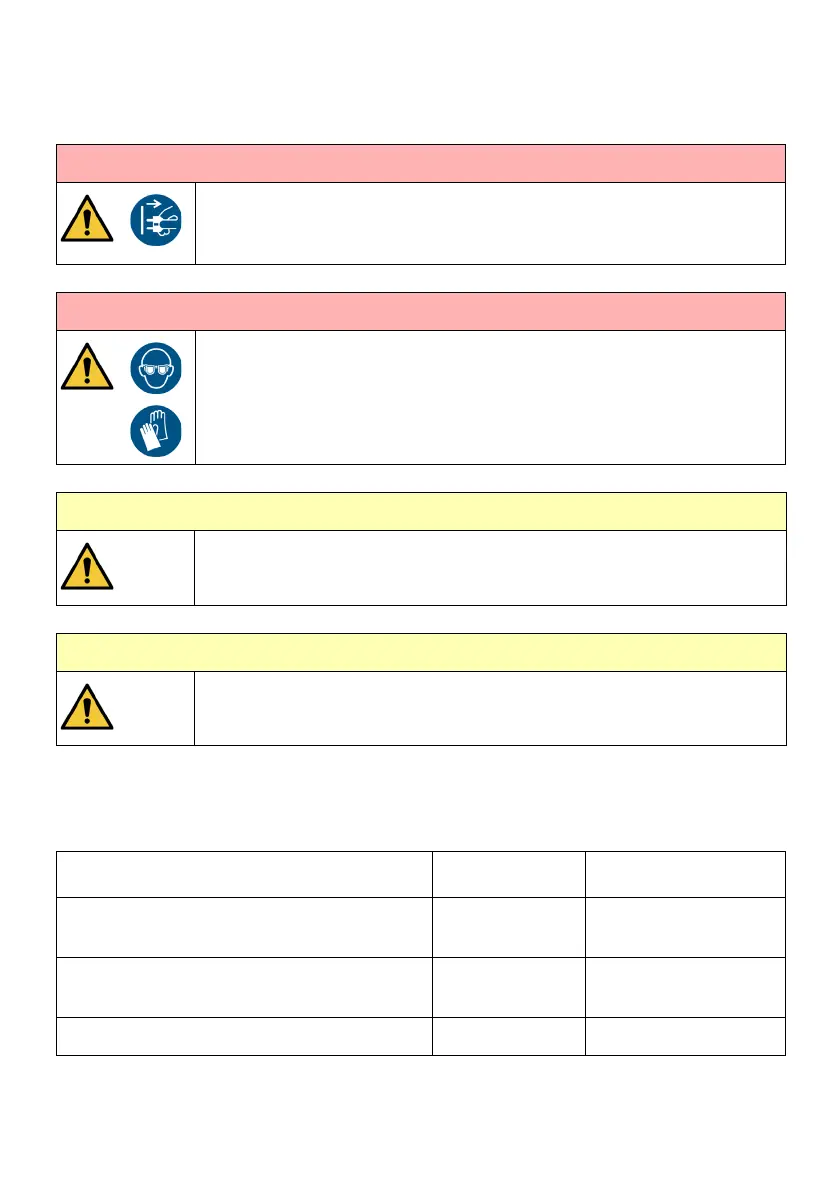
WARNING: Pressurised system. Risk of personal injury.
Shut down the printer.
Disconnect the power.
If you do not, ink can spray out and onto the user.
WARNING: Hazardous chemicals. Risk of personal injury.
Wear protective equipment such as gloves and glasses when near the
printer. Physical contact with printer ink or make-up can cause skin or eye
damage.
CAUTION: Hazardous Chemical. Risk to the environment.
Obey local waste disposal regulations
to dispose of used ITM and waste
materials.
CAUTION: Dirt and debris. Risk to the printer
Obey good cleanliness procedures at all
times.
Do not let dirt or debris enter any part of the printer.
Message on UI Alert Status Action
The ITM life is soon to expire. Ensure a
replacement ITM is available
Amber Order a new ITM if
needed
Intelligent Ink System is in depletion mode to
prepare for ITM change
Amber Ensure a new ITM is
available
Change ITM - Expired Red Printing Stops


 To Next Page