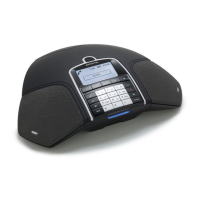
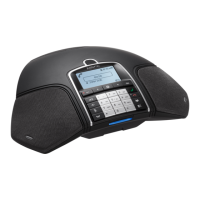
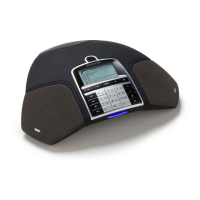
APPERANCE
Selecting languages
Select MENU > SETTINGS > LANGUAGE.
Select the language you want and press OK to conrm.
Changing text on the display screen
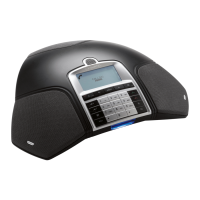
The text on the display screen can be changed when the Konftel 300M is on hook.
Select MENU > SETTINGS > SCREEN TEXT.
Delete existing text using C and enter your new text. Press OK to conrm.
Adjusting LCD contrast
Select MENU > SETTINGS > LCD CONTRAST.
Select your choice and press OK to conrm.
ADJUSTING DATE AND TIME
Changing the date
Select MENU > SETTINGS > TIME DATE > DATE.
Change the ashing gures for the year using the arrow buttons or by entering the
gures on the keypad. Press OK to conrm and to continue to the month, and then
proceed in the same way for the day.
Changing the time
Select MENU > SETTINGS > TIME DATE > TIME.
Change the ashing gures for the hour using the arrow buttons or by entering the
gures on the keypad. Press OK to conrm and to continue to minutes.
Changing the time format
Select MENU > SETTINGS > TIME DATE > TIME FORMAT.
Select either a 12-hour or a 24-hour format using the arrow buttons and press OK
to conrm your choice.
SETTINGS


 To Next Page