NAVIGATION AND SELECTION IN MENUS
Press MENU.
Select the option you want from the menu using the arrow buttons.
Conrm by pressing OK to select the marked option.
Cancel the setting or go back one level in the menu by pressing C.
Quit the menu by pressing MENU again.
Note that after you have made changes to a setting, you must press OK to activate
the setting.
It is possible to open a menu option directly by pressing the number button that
corresponds to the position of the option in the menu (e.g. 2 to open PHONE BOOK
and then 3 to select EDIT CONTACT).
Writing style in instructions
In the instructions, MENU > SETTINGS means you should:
Press MENU.
Mark the SETTINGS option using the arrow buttons and conrm by pressing OK to
open the menu (or press button number 6).
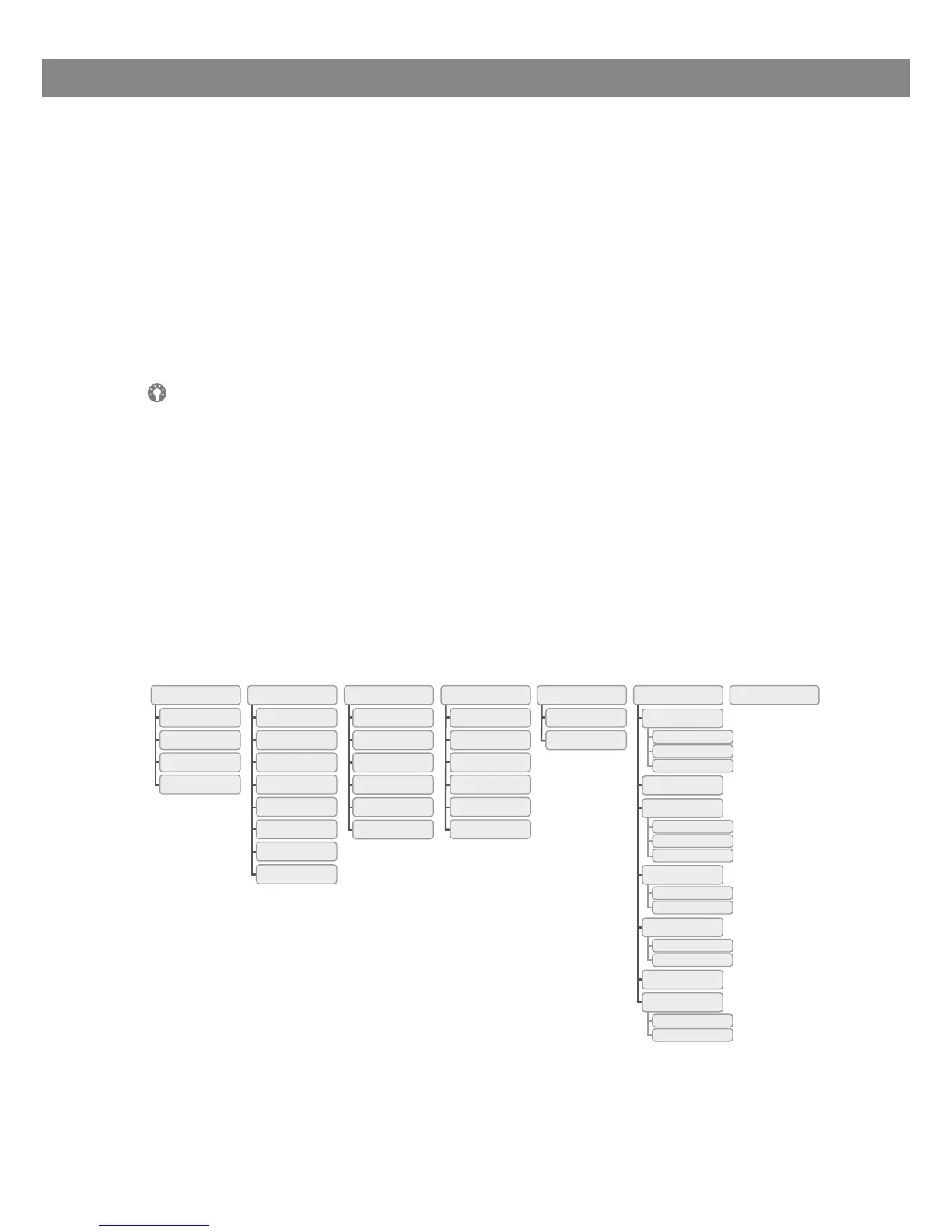
Menu tree
DESCRIPTION



 To Next Page