20
USING THE KONFTEL WITH BLUETOOTH
CONNECTING A PHONE WITH HEADSET PROFILE
Some desktop phones that can be connected via Bluetooth, have only limited support for
Headset Profile. This means, for example, that it is not possible to dial the number on the
Konftel 55W.
The Konftel 55W detects which Bluetooth profile is supported by the phone and confi-
gures the interface accordingly.
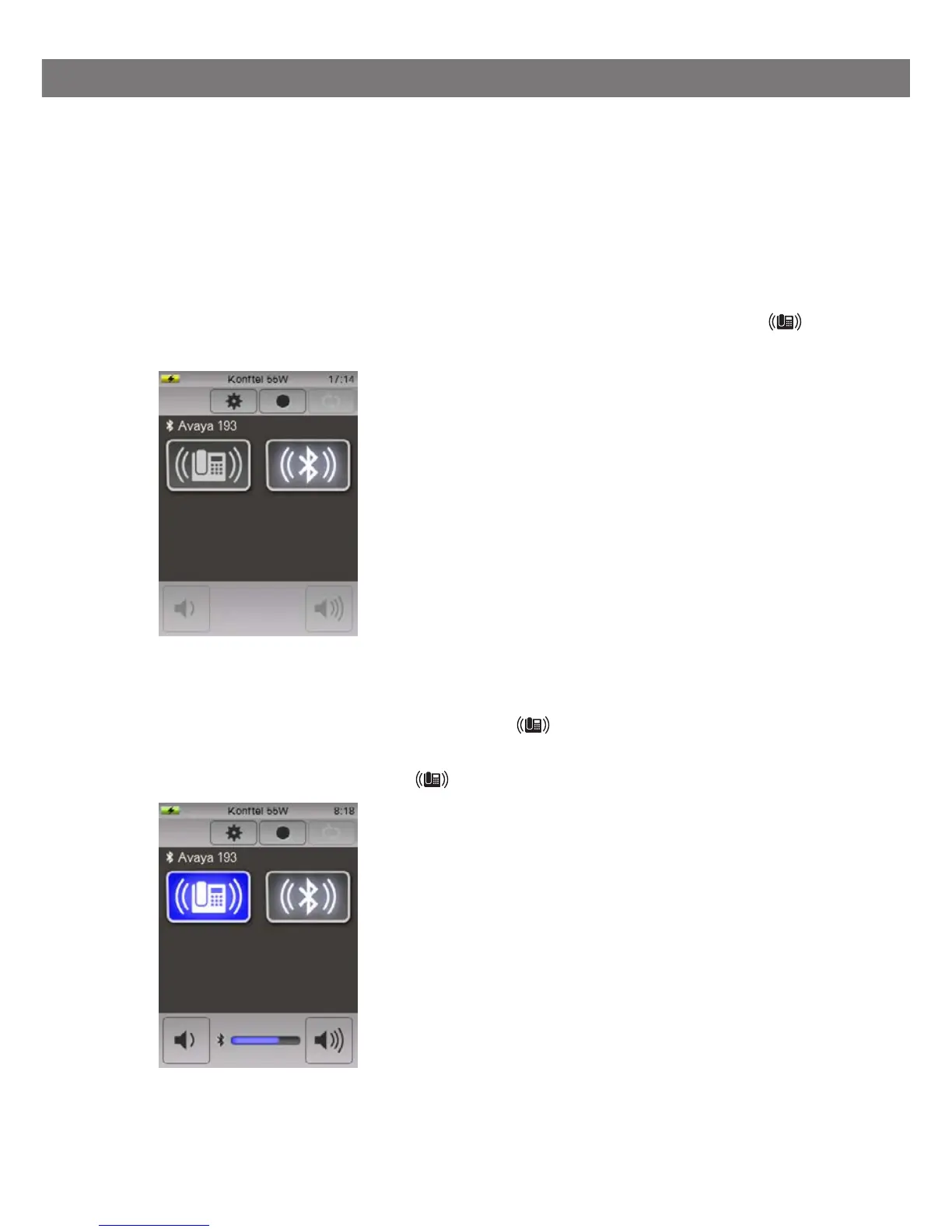
When the phone is connected via Bluetooth with Headset Profile, a button with the
symbol is displayed.
Making calls
Press the phone’s headset button or press the button on the Konftel 55W to
transfer the sound to the Konftel.
The LEDs on the Konftel 55W and the button light up and the connection tone is heard there.
Dial the number on the phone.



 To Next Page