34
CHANGING SYSTEM SETTINGS
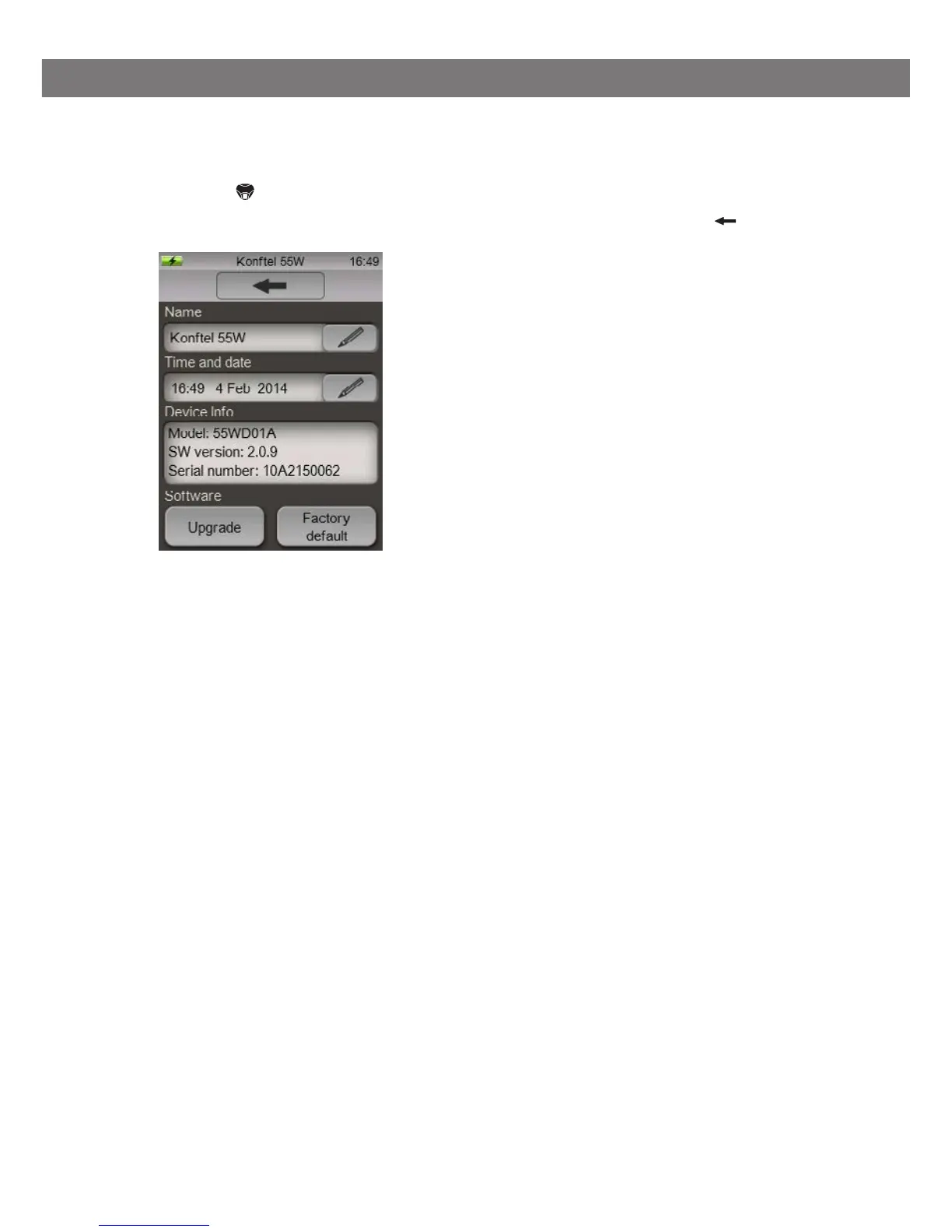
Press the System button on the menu.
Make your settings by pressing the buttons and end with the back arrow .
Here you can:
• Change the name of your Konftel 55W (this name is displayed when pairing with
Bluetooth)
• Set the time and date for recordings
• Check software versions
• Initiate software upgrades
• Restore your Konftel 55W to factory settings, thereby deleting all settings and saved
values.
SETTINGS



 To Next Page