28
LISTENING TO A RECORDING
You can transfer the card to a computer to play back and edit the recording, or you can
play it back on the Konftel 55W.
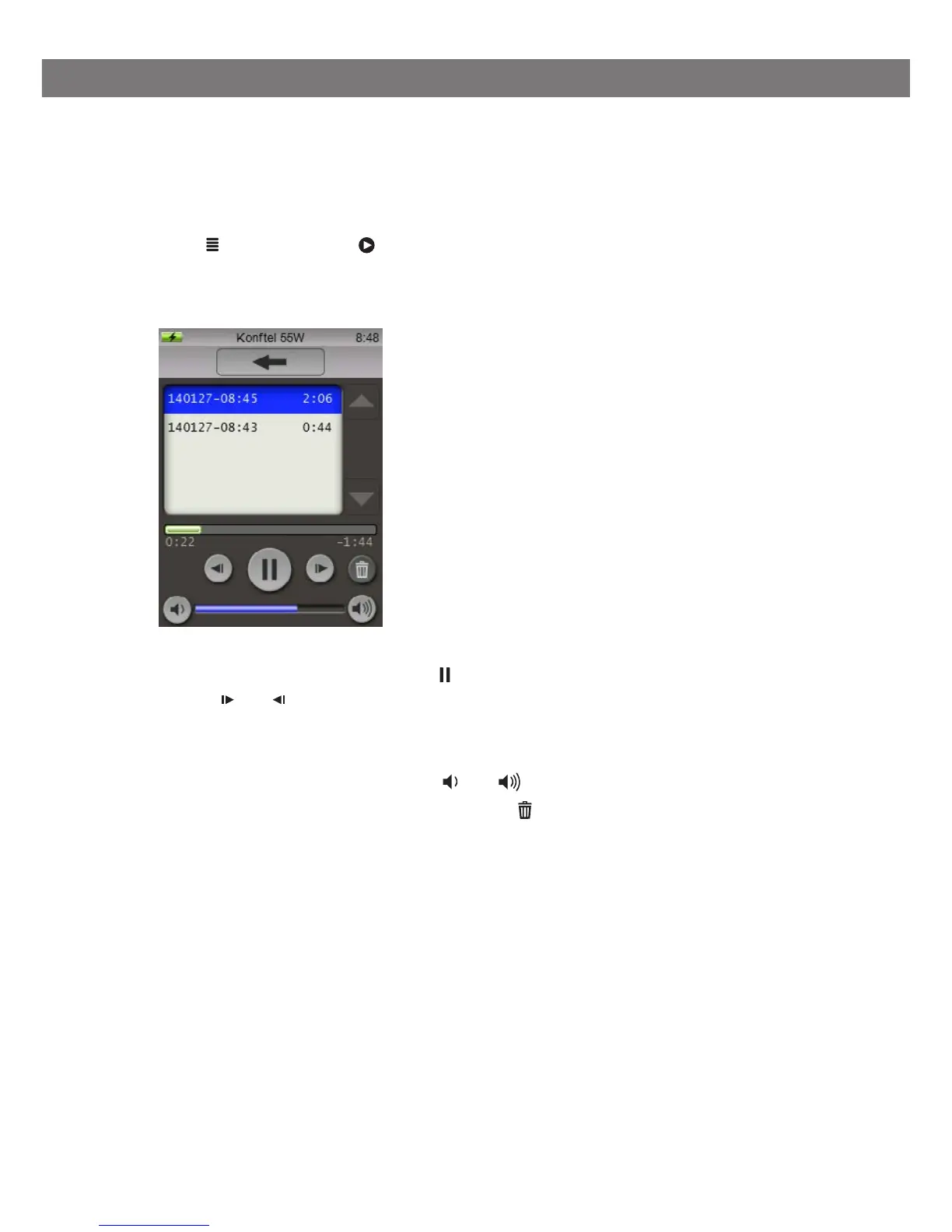
Press MENU and select Recordings.
A list of the recordings on the SD card is displayed.
Press the recording you want to listen to.
You can pause the playback by pressing and move forwards and backwards 10 seconds
by pressing and .
You can move to any part of the recording you like by pressing on the time line above the
buttons.
Adjust the sound level using the buttons and .
You can delete the highlighted recording using the button.
RECORDER CAPABILITY



 To Next Page