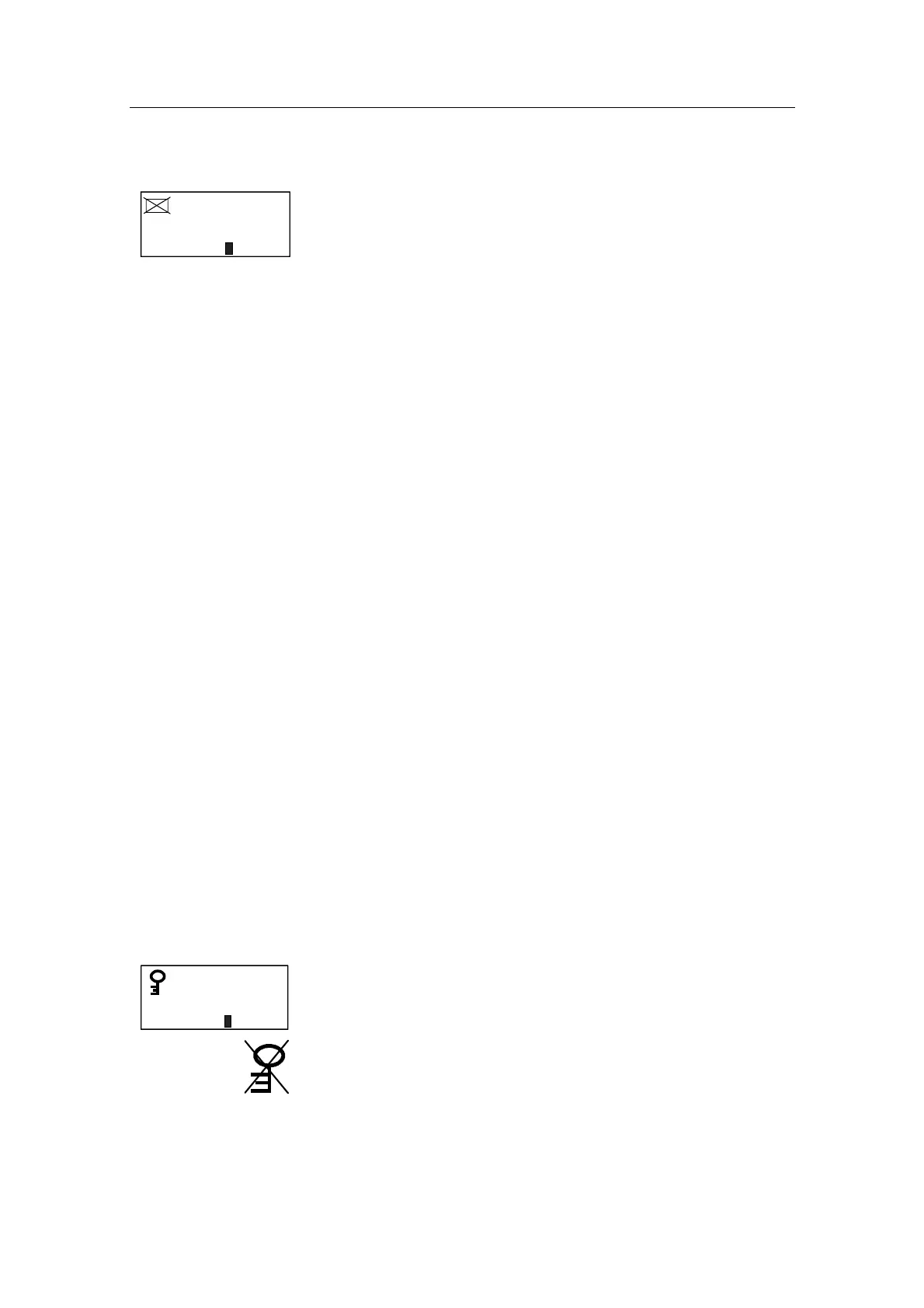
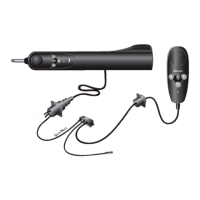
Simrad AP51 Remote Control
26 20221016C
2.10 Multiple Station System
A123
123.5Gyro1
06
Inactive
Inactive control
unit
In the normal operation of multiple control units, control is
accessible from every control unit and steering handle connected
to the AP50 system. However, only one control unit is "active"
at a time, providing the user with access to all functions and
enabling the user to change modes and to set the course for
automatic course keeping. All remaining control units are
"inactive" and have no effect on course selection. A single push
on either the STBY, AUTO, or NAV buttons on an "inactive"
control unit will allow the transfer of command to make it
"active". To remain in the mode, press the current mode button.
In Master Operation (Wheelmark) of multiple control units, one
control unit must be set up for master operation. “Power on”
capability is possible from any unit except from AP51, but
“power off” capability is only possible from the master unit (the
unit on which Master Operation is set to “yes” in the Installation
Dockside menu (refer to the AP50 Manual). In Master
operation, the remote control units and handles are normally
locked.
2.11 Lock function
Standard Operation
The "LOCK" function is a safety feature included in the AP50
system to lock-out all control units except for a single, user-
selected “active” control unit.
When the "LOCK" function is in use, no transfer of command
may take place; only the "active" control unit stays in command.
Note ! On a locked AP51 Remote Control, backlight and contrast can
be directly adjusted through the course knob.
The “LOCK” function can not be enabled from the AP51
Remote Control.
A "locked" AP51 Remote Control will show:
A123
123.5Gyro1
06
Inactive
The “LOCK” function is unlocked by double-pressing the STBY
button on the “active” AP50 Control Unit.
After having "unlocked" the “active” control unit, it will show
this symbol before the display returns to normal. All other
control units remain "inactive".


 To Next Page