Simrad AP51 Remote Control
30 20221016C
Nav-Work Mode
NAV
WORK
NAV
WORK
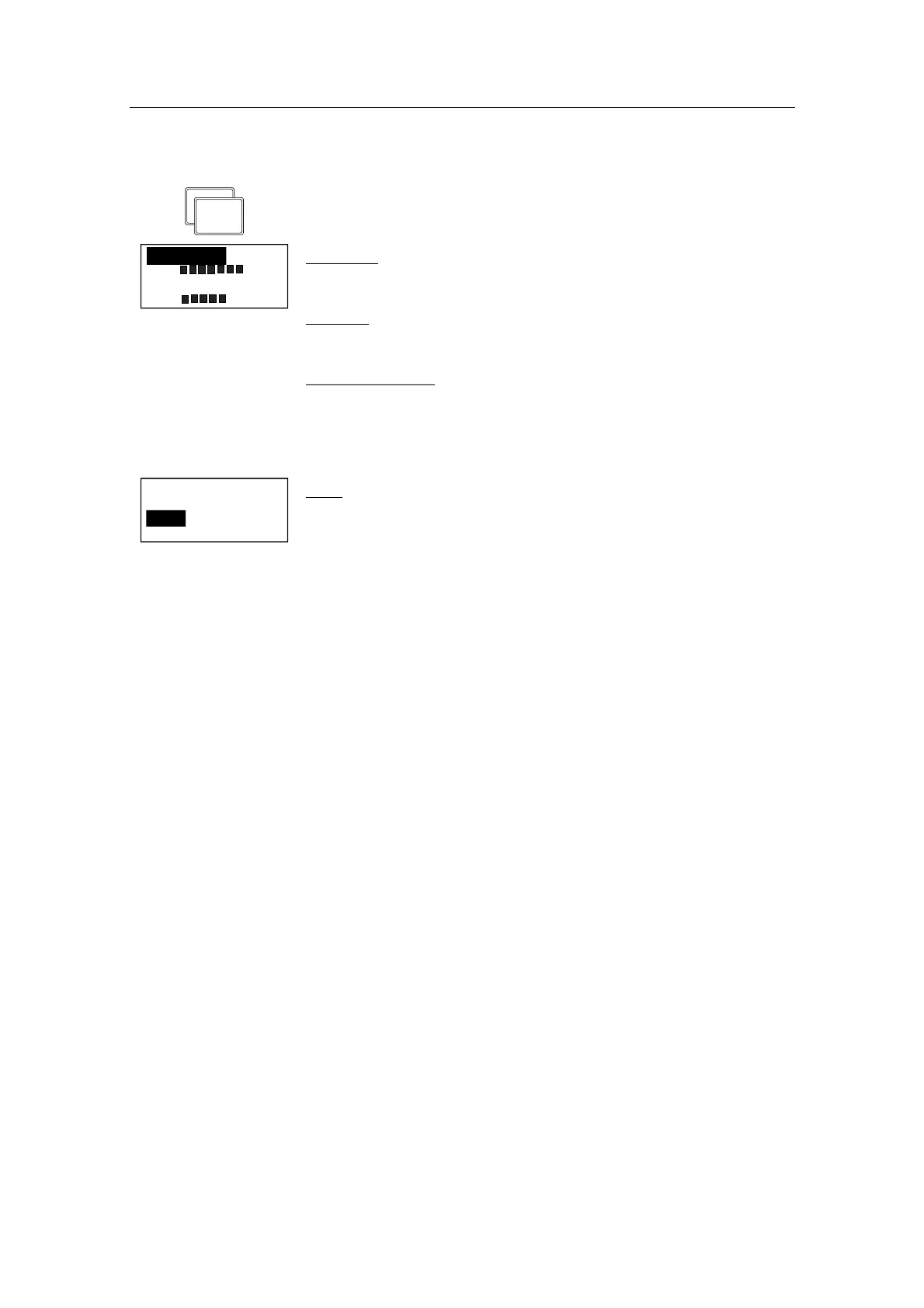
To enter the User Set-up menu when in NAV-WORK mode,
quickly double press the NAV-button.
Contrast
Backlight
Backlight
Same procedure as in STANDBY mode.
Contrast
Same procedure as in STANDBY mode.
Steering function
Same procedure as in STANDBY mode.
These values are stored in the AP50 memory and are
automatically recalled when returning to NAV-WORK mode.
Steering func
Thrust+Rudd
S 02
Trim
Trim
Use the course knob to adjust the rudder trim value if needed.
The (manual) trim compensates for the Autotrim, which needs
time to build up the appropriate rudder off-set. The TRIM setting
is not stored.
Note ! On a locked AP51 Remote Control, backlight and contrast can
be directly adjusted through the course knob.


 To Next Page