3.2 Storage Printing
3
Konica Minolta Mobile Print 3-7
3.2 Storage Printing
You can select the Storage function of this application to print data in Storage.
3.2.1 For iOS
This section describes a procedure example to print data of the Box application. The displayed applications
vary depending on the operating system you are using.
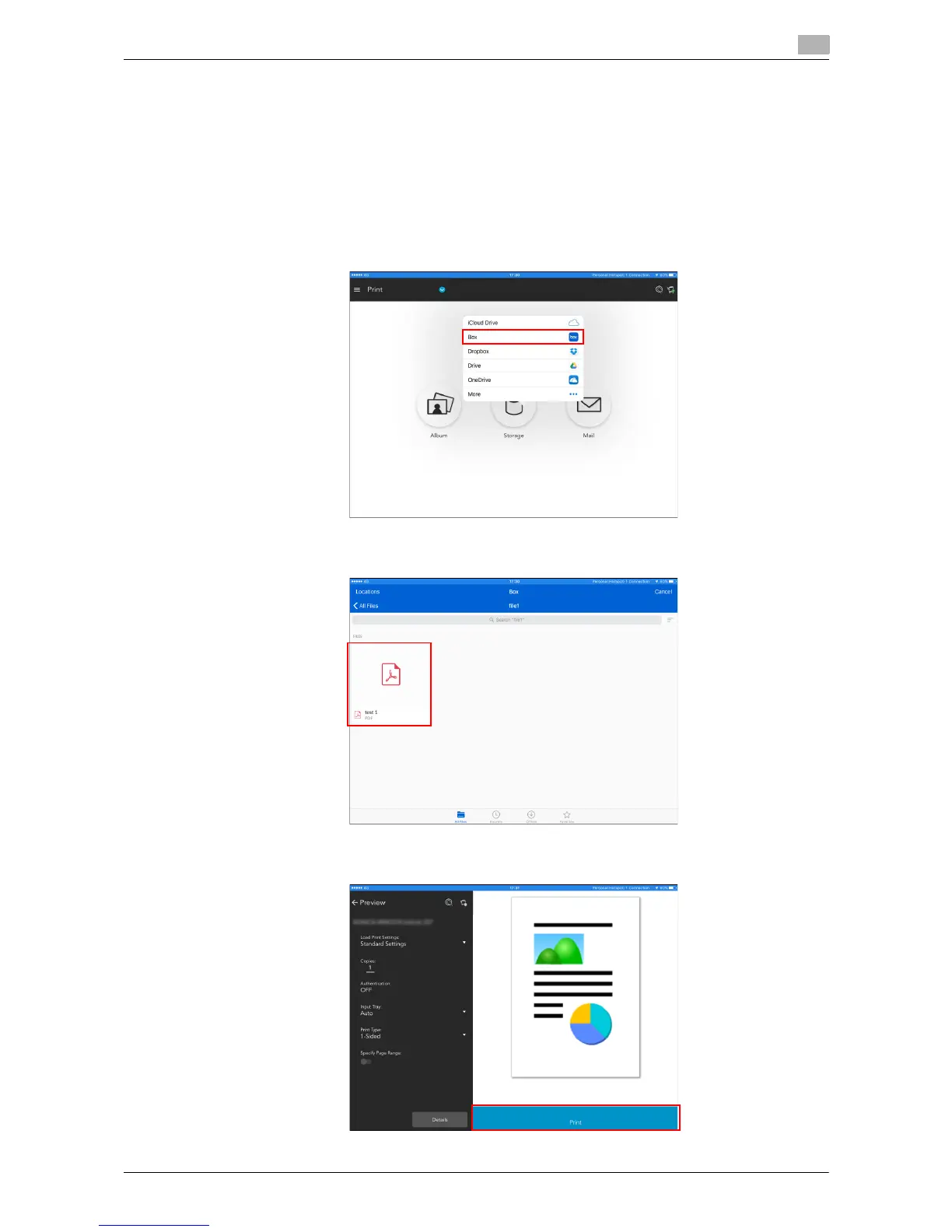
1 Select the Storage icon in the main menu, then select the Box application.
2 Select print data.
3 Selecting data changes the screen, which enables you to print data.











 To Next Page