124
KONICA FAX 9760
|
Clearing a Paper Jam
If the Alarm indicator lights and your fax machine displays
PAPER JAM or NO PAPER when the paper tray still contains
paper, there may be one or more sheets of paper jammed in
the machine.
If you are out of paper, refer to the “Installation, Loading
Paper” section of this user's manual.
To clear a paper jam, follow the instructions below.
!
If you experience paper jams often, the type of paper
you are using may be the problem. For best results,
select paper developed specifically for photocopying or
laser printing. Be sure to fan the paper before loading it
into your paper tray.
Make sure User Function 13, 1’ST PAPER SIZE is set
for the size paper you are using. Refer to the “Setting
Basic Features, User Function Settings” section of this
user's manual.
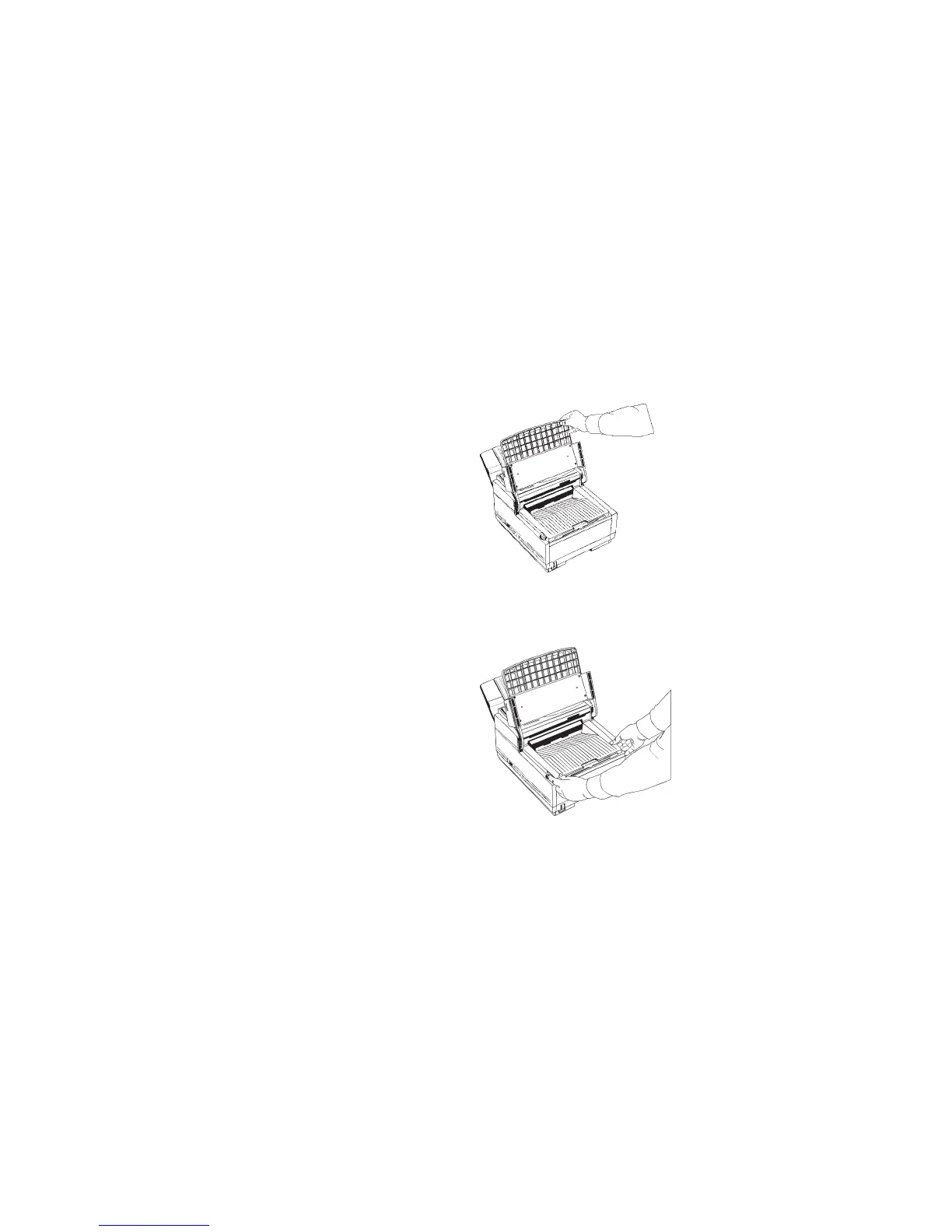
1 Lift the document table and swing it out of the way.
2 Push the buttons on the side of the copy stacker until you
hear a click. Lift the copy stacker up.



 To Next Page