74
KONICA FAX 9760
|
2 Press the 8/Location Program One Touch key. The display
shows
LOCATION PROGRAMMING
ENTER (SRCH, OT, A/D, #).
Where
SRCH represents Search (press the Search key)
OT represents One Touch
A/D represents Auto Dial
# represents Group
3 Press a One Touch key to program.
!
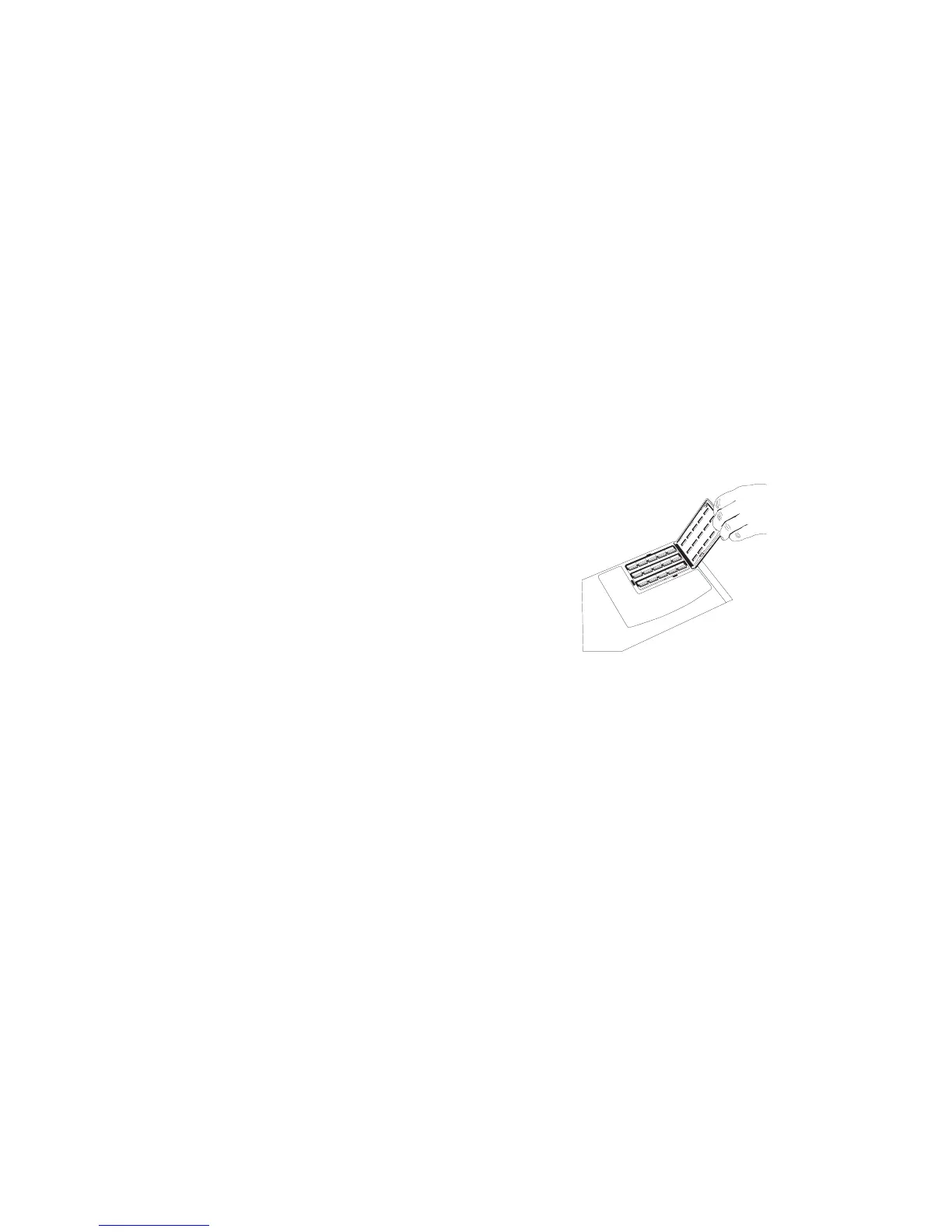
To program or use One Touch keys 16-30, grasp the
One Touch keyboard latch and swing the main One
Touch panel out of the way. You can then select from
keys 16–30. When you are finished, close the One Touch
keypad and continue.
4 The display briefly shows
NO=<FAX NO.>,
ID=<LOCATION ID>
or a previously programmed fax number and Location ID.



 To Next Page