|
User’s Manual 83
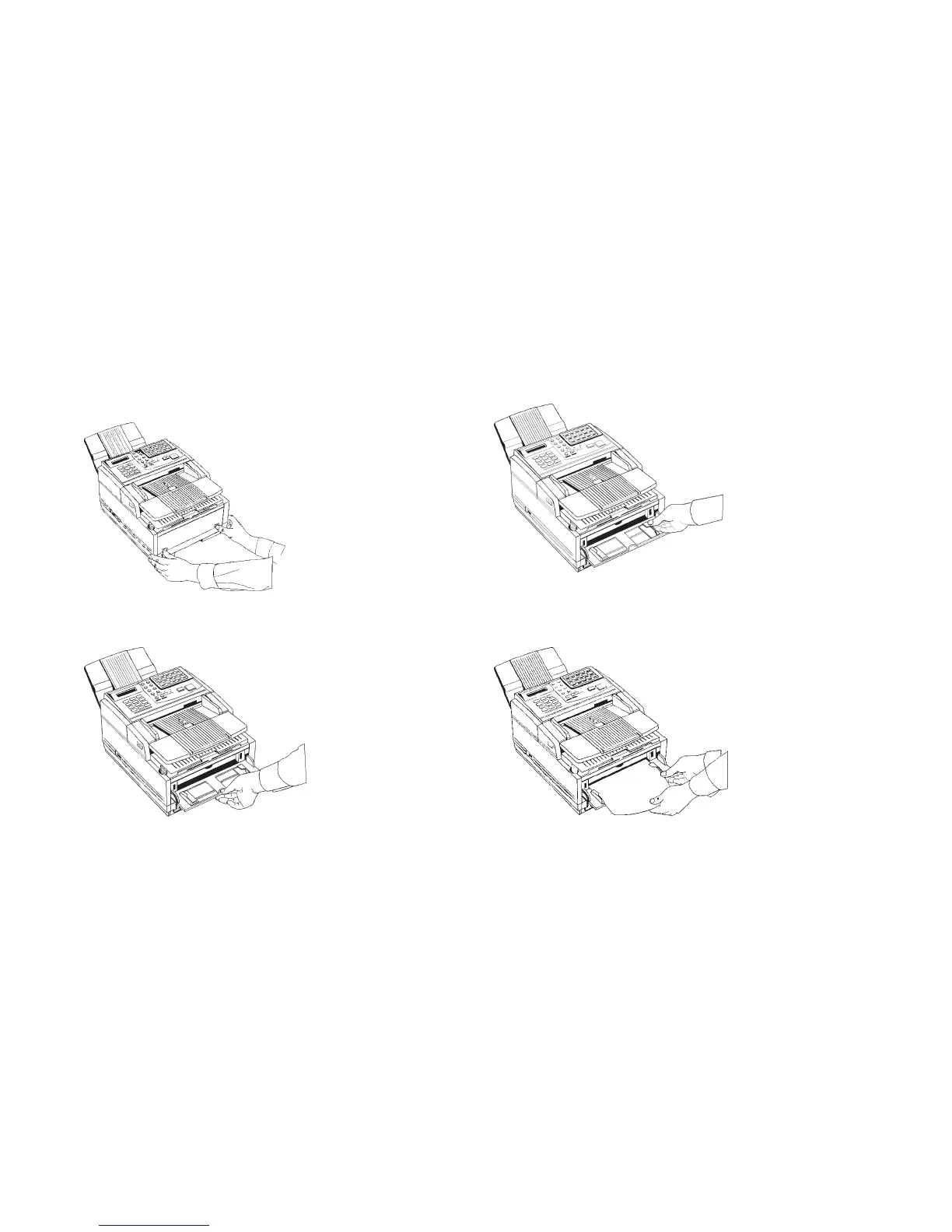
2 Press in on the lower half of your fax machine’s front panel
indents, just above the paper tray.
3 Pull the manual paper feeder down until it is horizontal.
4 Adjust the paper guides on the feeder.
5 Insert a sheet of paper face up. Adjust the guides again to
ensure that the paper is straight.



 To Next Page