101
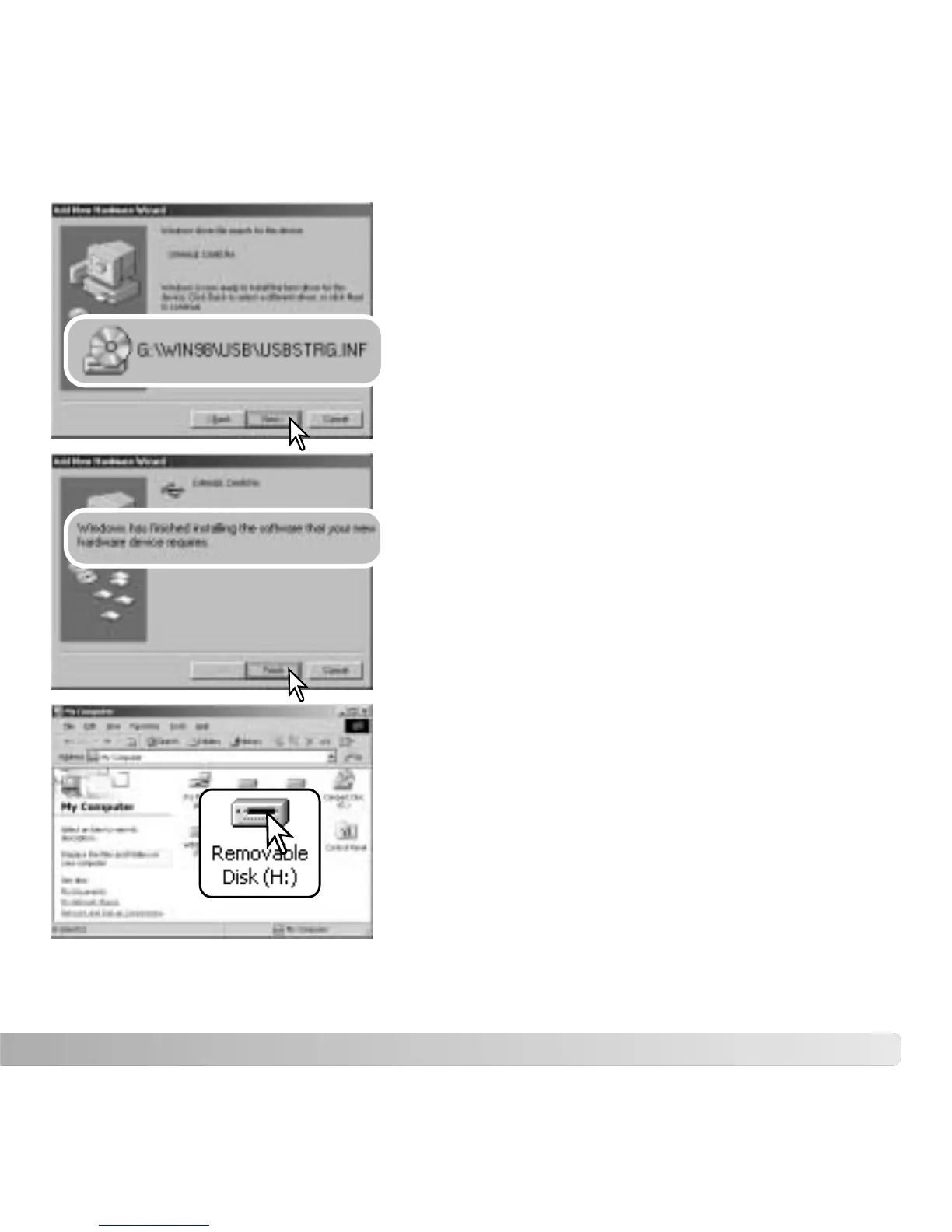
The add new hardware wizard will confirm the
location of the driver. The letter designating the CD-
ROM drive will vary between computers. Click “Next”
to install the driver in the system.
One of three drivers may be located:
MNLVENUM.inf, USBPDR.inf, or USBSTRG.inf.
The last window confirms the driver has been
installed. Click “Finish” to close the add new
hardware wizard. Restart the computer.
When the my-computer window is opened, a new
removable-disk icon is displayed. Double click on the
icon to access the camera’s memory card; see page
102.



 To Next Page
 Loading...











