A message is displayed during the exposure. Noise-reduction processing is applied to
the image after the exposure. Noise reduction can be canceled in section 2 of the setup
menu (p. 90).
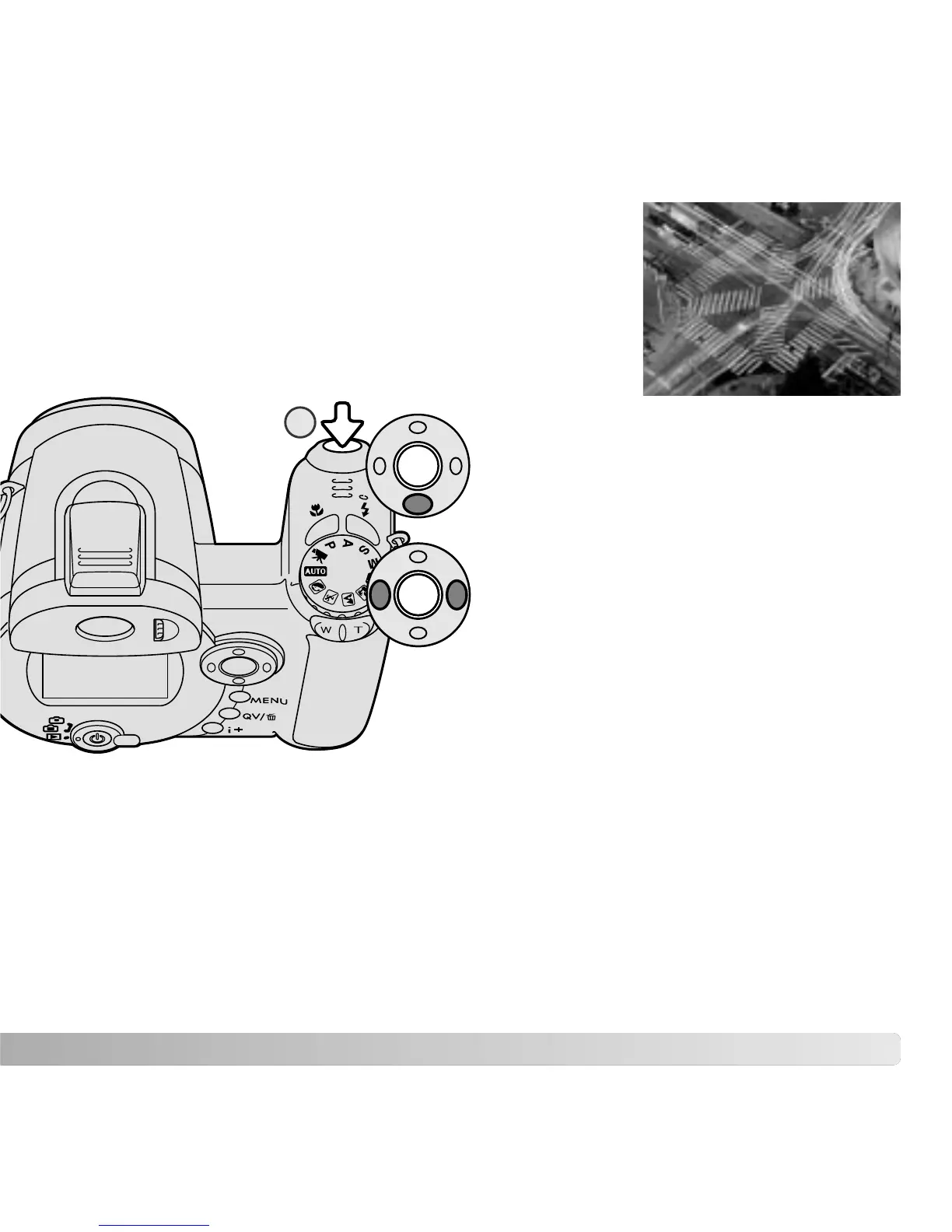
Time photographs can be taken in the manual-exposure
mode. Exposures up to thirty seconds can be made. The use
of a tripod is recommended. The camera’s exposure system
cannot be used to calculate time exposures. A separate light
meter can be used to determine the exposure.
39
TIME EXPOSURES
Use the down key of the controller to
decrease the shutter speed below 15
seconds until “T” is displayed.
Set the aperture using the left/right keys of
the controller.
To take the picture, press the shutter-release
button (1) once to begin the exposure. Press it
again to end the exposure.
1



 To Next Page
 Loading...











