10 OPERATION MANUAL
OPERATING PROCEDURES
t After the beep stops, insert the next sheet of film.
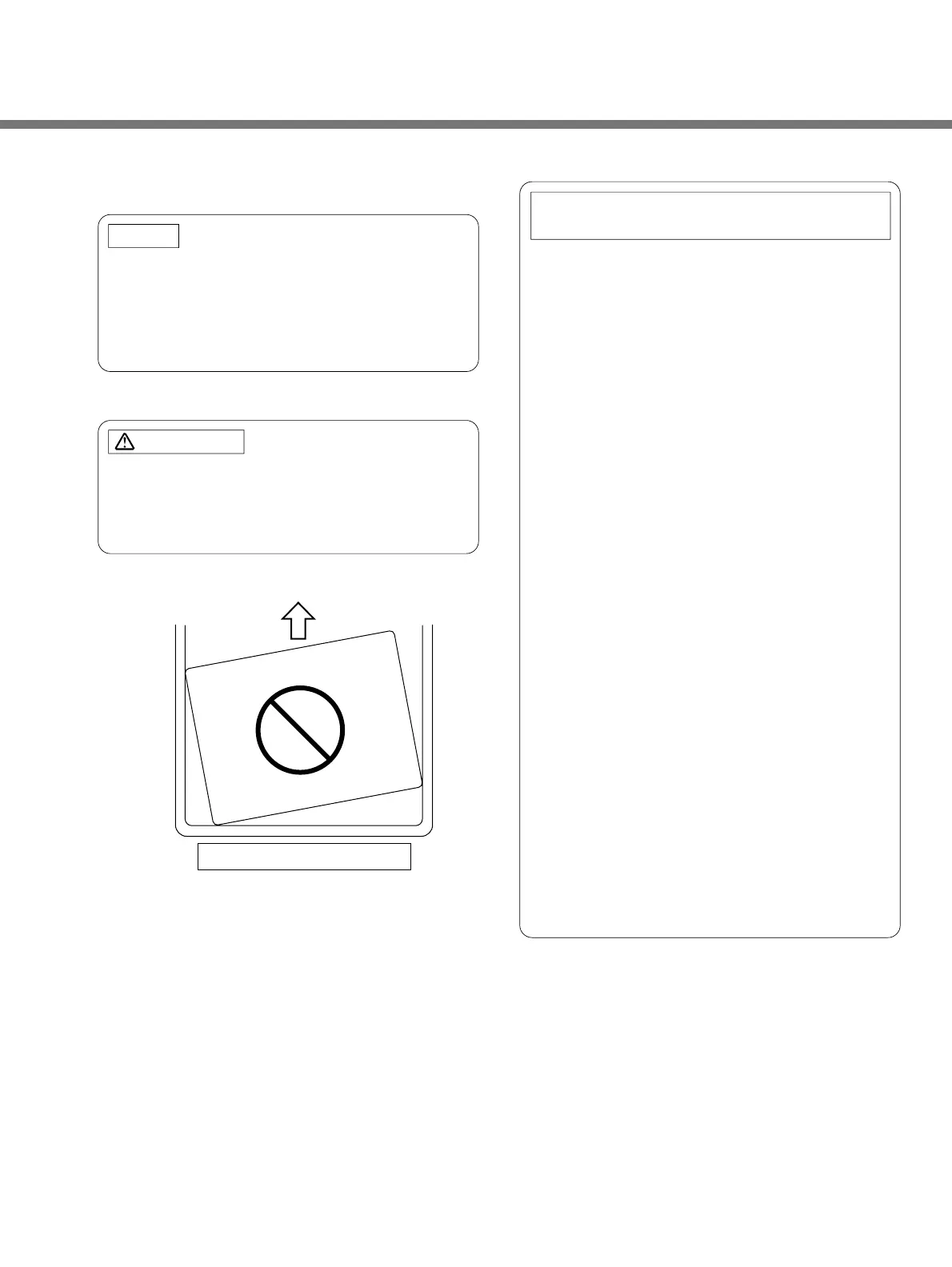
If you insert the next sheet of film before the
beep stops, the two sheets will go through the
processor stacked one on top of the other.
This will defeat the purpose of the cleaning
process.
Don't fail to line the film up with the guides, or the
sheets of film may be jammed at the gears,
causing the scratch on the film and the damages
against gears and drive motor.
1. When the SRX-101A has not processed any
film for one hour, developer and fixer
solutions corresponding to one sheet of
10"x12" film will be automatically supplied to
the processing tanks.
2. As soon as the RUN button is pressed ON
after initial start-up, developer solution
corresponding to 4 sheets of 10"x12" film
and fixer solution in the amount of 2 sheets
of 10"x12" film will be automatically supplied
to the processing tanks.
3. After initial start-up, if the RUN button is
pressed after a 4-hour-OFF interval,
developer solution corresponding to 2 sheets
of 10"x12" film and fixer solution
corresponding to 1 sheet of 10"x12" film will
be automatically supplied to the processing
tanks.
4. The above automatic replenishing operations
are designed to keep the solution level in the
processing tanks compensating their
evaporation loss while the SRX-101A is not
operated.
It will make stable the medical film finishing,
with the chemical solutions kept in good
conditions.
5. After 8 hours of no operation with the
READY lamp illuminated, the SRX-101A will
be automatically shut off.
NOTE:
CAUTION:
NOTE ON AUTOMATIC REPLENISH
AMOUNTS AND TIMES
Do not insert the film diagonally


 To Next Page