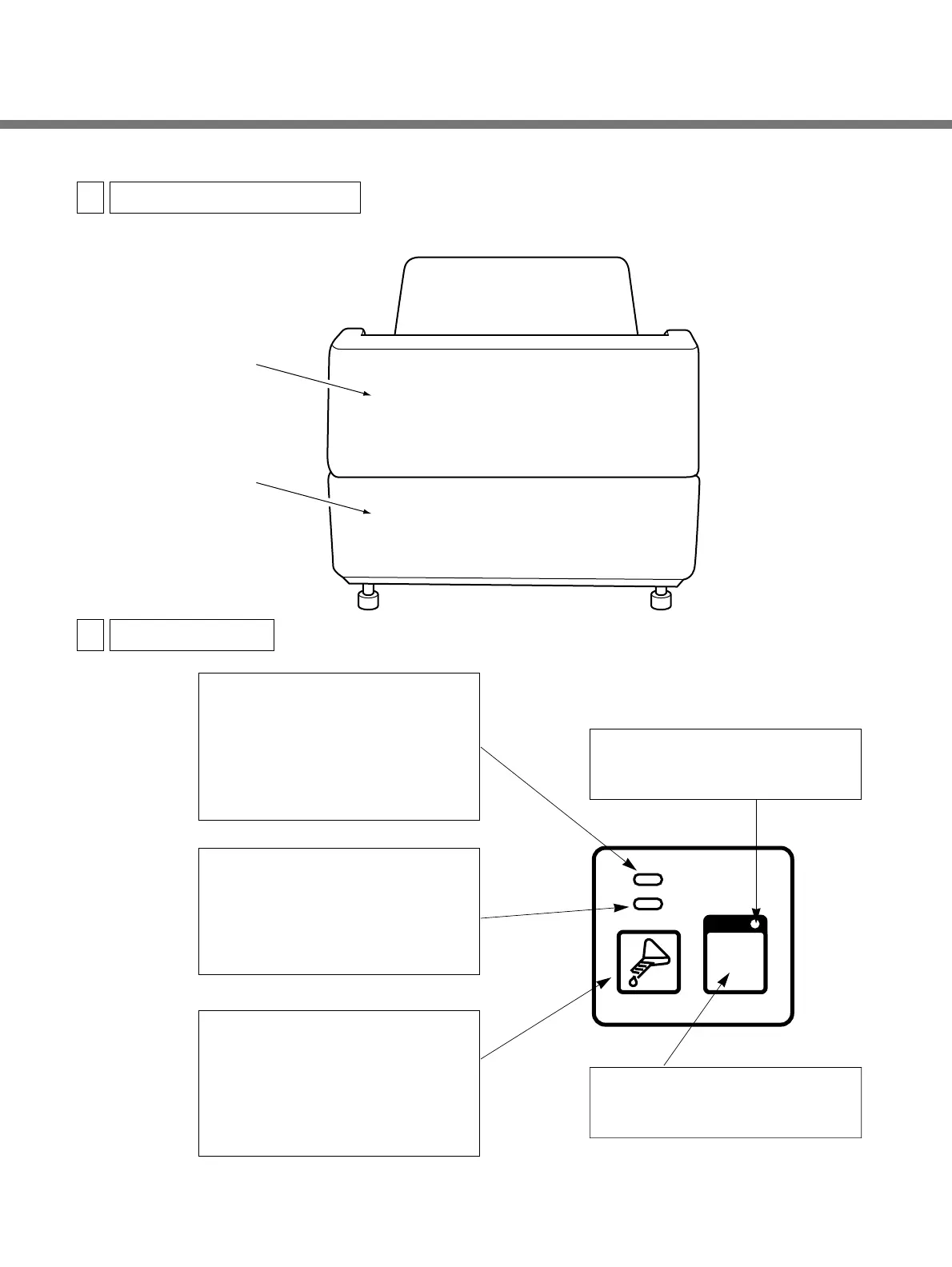
™Drier Section Cover
™Back Panel
™RUN Lamp
Lights up when the RUN button is
pressed. Will automatically go out if
no film has been inserted for 8 hours
after the READY lamp went on. Will
light up again when the RUN button
is pressed.
™READY Lamp
Lights up when the temperatures of
the processing chemicals and heater
are at their preset values. Film may
be inserted for processing whenever
this lamp is on.
™Replenishment Button
Press and hold down this button for
about 5 seconds to begin the supply
of processing chemicals to the tanks
at a rate of 3
P per second. During
replenishment, READY lamp will
change to flashing.
™RUN Button
Press this button to start and stop
film processing.
™RUN Button Lamp
Indicates that the SRX-101A is
electrically powered.


 To Next Page