16
Select ALARM BUZZER, press MENU to turn the buzzer ON or OFF. When motion is detected by a
camera, then a buzzer will sound via the loudspeaker of the monitor.
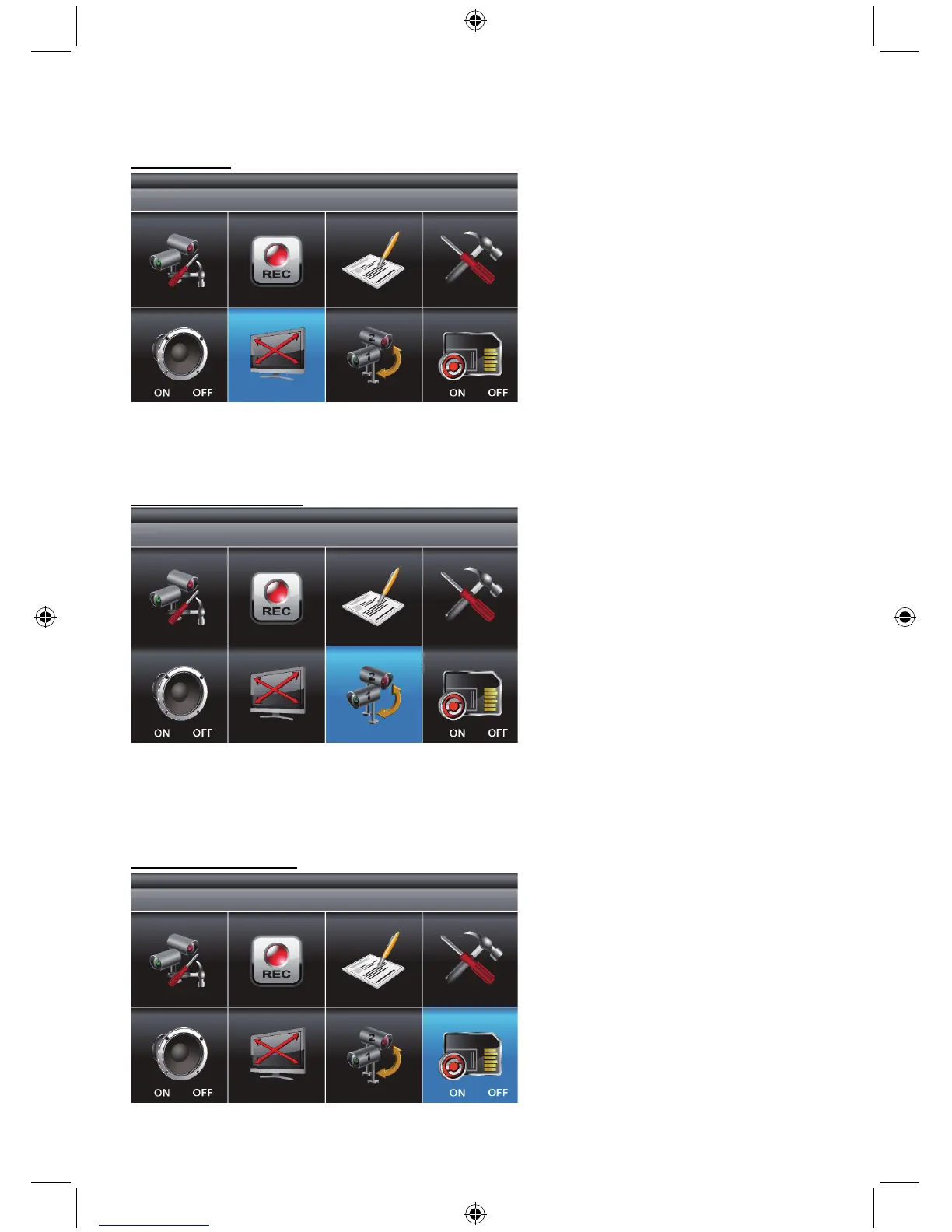
Pan Tilt Zoom
Select PAN TILT ZOOM, press MENU once to enter ZOOM mode, press MENU again to zoom in (2X).
When zooming in, use ▲▼◄► to select various view areas. Press MENU to zoom out.
In zoom out (1X), use ▲▼to change the available channel.
Press ESC to exit.
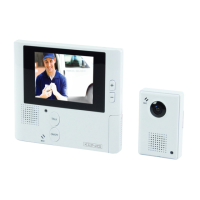
Scan activated cameras
Select SCAN ACTIVATED CAMERAS, press MENU once to begin camera scan mode.
Note:
1. Camera ON/OFF setting in CAMERA SETUP section will affect which camera(s) can be displayed
during IDLE DISPLAY. See Multi channels idle display interval setup.
2. The system will automatically activate QUAD display if the recording function is activated.
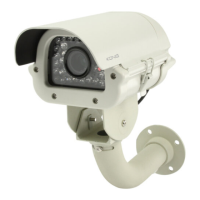
Memory card overwrite


 To Next Page