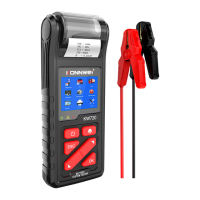
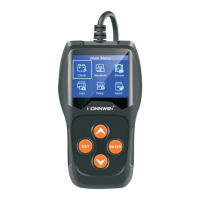
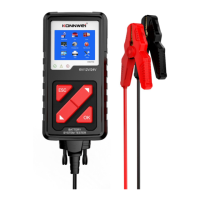
KW710
Battery Status corresponding with Battery Voltage
(Before Ignition)
Hard to start vehicles,
replace battery
Battery Status corresponding with Battery Voltage
(After Ignition)
Battery may not be charged;
Check alternator or other
electrical load
Print Menu & Update
This function allows you to update and print the tool software through
a computer .
To update and print your tool, you need the following items
1.KW710 tool;
2.A PC or laptop with USB ports;
3.USB cable
Step :
1)Downloading the applications from our website www.konnwei.com
2)Run btlink.exe in your computer( Windows 7 /8/10 /xp)
Noted : Mac OS and linux does not compatible
3)Press and hold any button until the USB cable is connected with
computer and release it after the tool display a message "Update
Mode"
4)Open the btlink software, click "Check update" button, will download
the upgrade file from internet then update to tester tool


 To Next Page