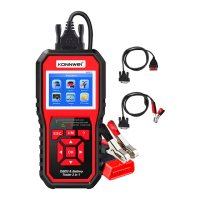
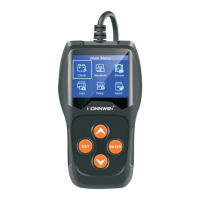
KW710
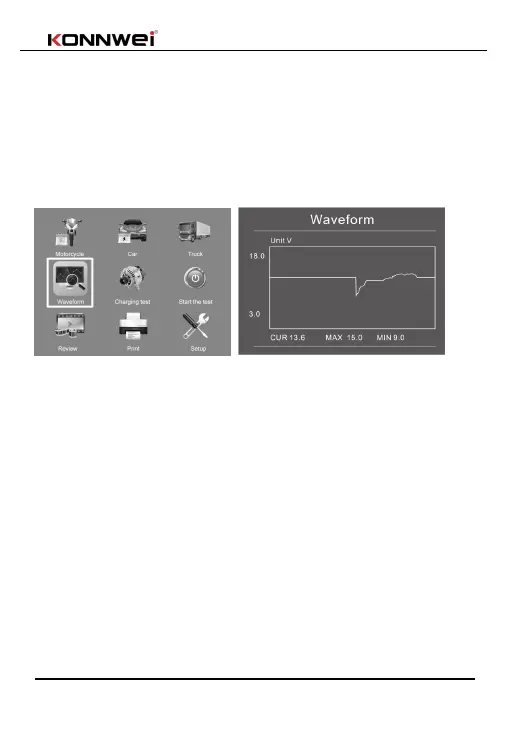
Waveform menu
press WAVEFORM FUNCTION button, The screen will display the interface
as shown below:
CUR: Current Voltage
MAX: Maximum Voltage during Ignition
MIN: Minimum Voltage during Ignition;The waveform will stay in static u
ntil there's changes in the voltage changes detected
Battery Test
1.Battery location: select inside or outside the car. During the in-vehicle test,
the tester will further test the starting and charging system.
2. Important note: The performance of the starting and charging system
depends on the health of the battery. It is necessary to check the starting
and charging system after confirming that the battery is in good performance
and fully charged.
1. Menu: select Car, Motorcycle, Truck
2. Battery type: select ordinary lead-acid battery, ordinary AGM battery,
winding type AGM battery or gel battery.
3. Battery standard: Please check your own battery standard. The battery


 To Next Page