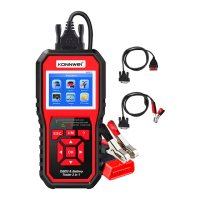
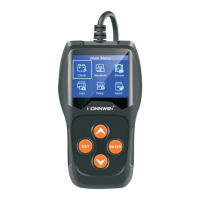
KW710
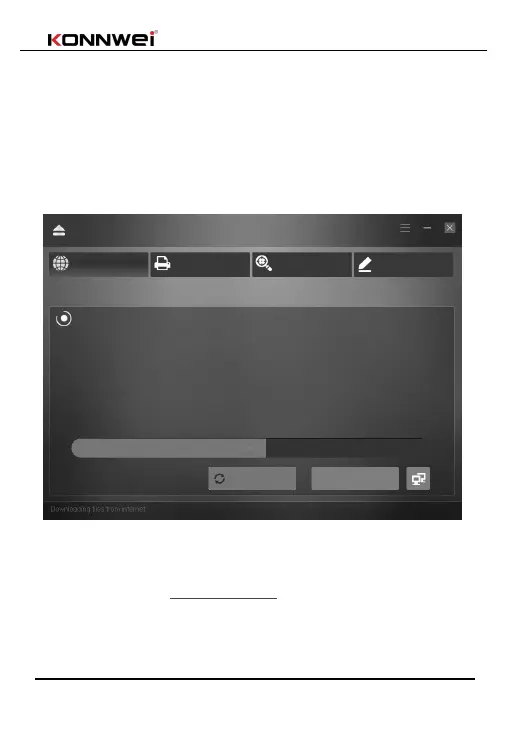
5)Wait for the update process finished, the scanner will be ready to go! we
will update to latest version before shipping out, normally there is no need to
update for a long while.
6)Restart tester tool finish the whole update .
Notice: Please turn off anti-virus software when installing the update tool,
otherwise it will not be able to install the driver properly.
Service Procedures
If you have any questions, please contact your local store, distributor
or visit our website at www.konnwei.com
If it becomes necessary to return the tool for repair, contact your local
distributor for more information.
Upgrade
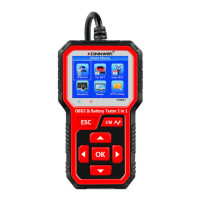
Step 1: Press and hold down the "OK" key on the Scan Tool
while plugging in the USB cable from the PC
Step 2: Verify that the Scan Tool's screen indicates "Update Mode"
Step 3: Click "Check Update" to start the upgrade process


 To Next Page