transmitted to 1/3 latch、dia 9.52mm white inlet pipe。
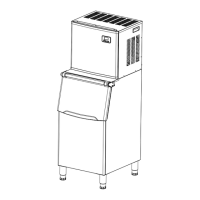
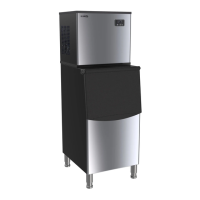
Spare parts for ice cabinet: white water pipe, ice scoop, adjustable feet 4pcs
II.Host
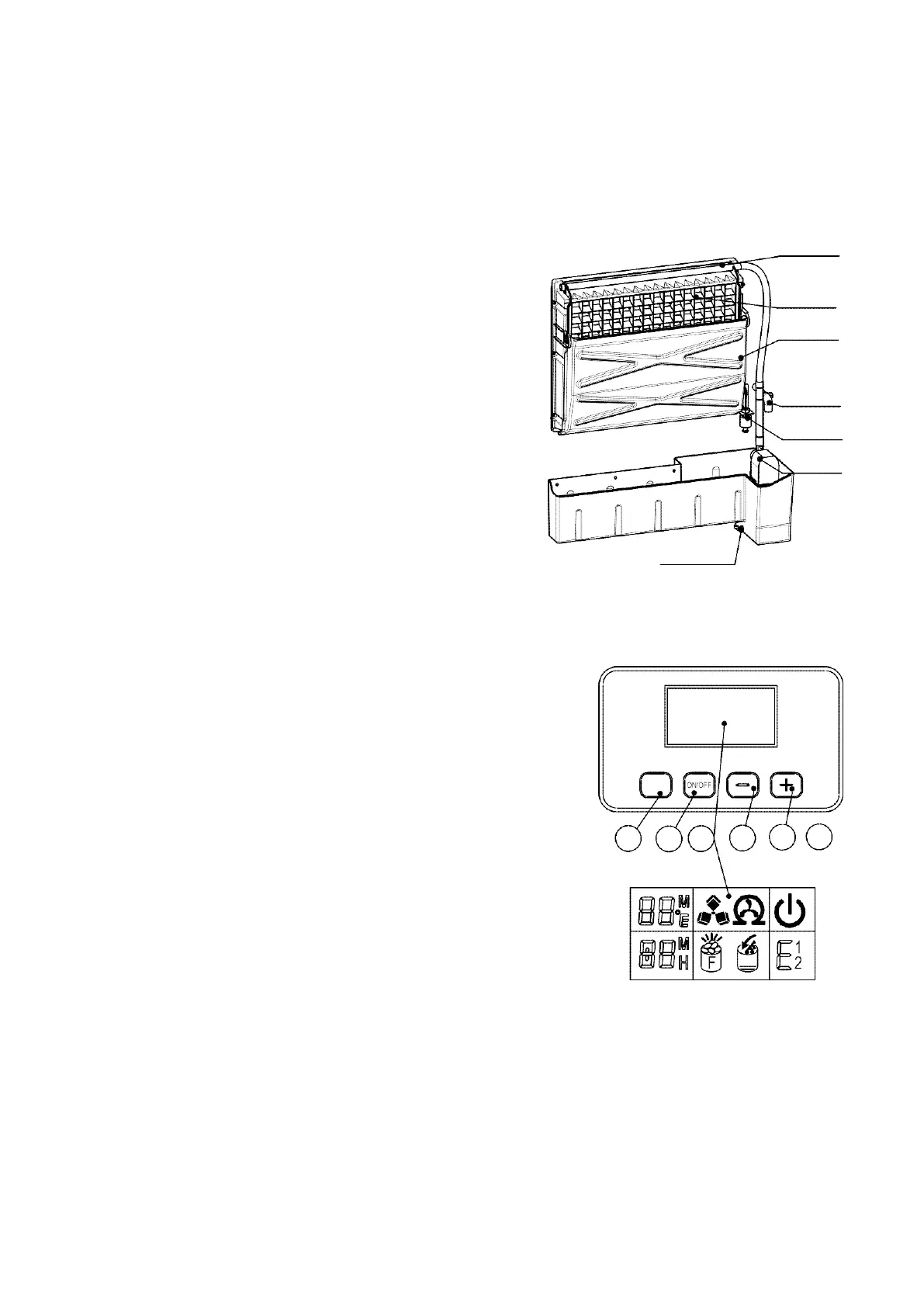
distributive pipe:
A
Water flows through small holes when making ice.
B. Evaporator
:
B
C.
Ice full checkerboard Stop working when ice full or
C
check the process of deicing finished
D
D.water supply part:
E
E.level switch:
F
F.pump for water circulation:
G.drain plug for water tank:
G
III. Operation panel
A.
"Timed cleaning" button:
Press the button, and the machine will set the timing;
while
pressing for more than 5 seconds, the machine will enter
the
automatic cleaning program.
B.
"On / Off" button:
Press “on” or “off” button. The cleaning and timing functions
will be cancelled at the same time; If the machine is making
ice, press the key for more than 5 seconds, and it will be
forced to enter the de-icing status.
When the machine automatically enters the cleaning status
After it is turned on, press the "timed cleaning" button to stop the cleaning status and start ice
making.
C.
LCD display area
1.
Ambient temperature display and ice-making time countdown display, when M is displayed, it is


 To Next Page