42
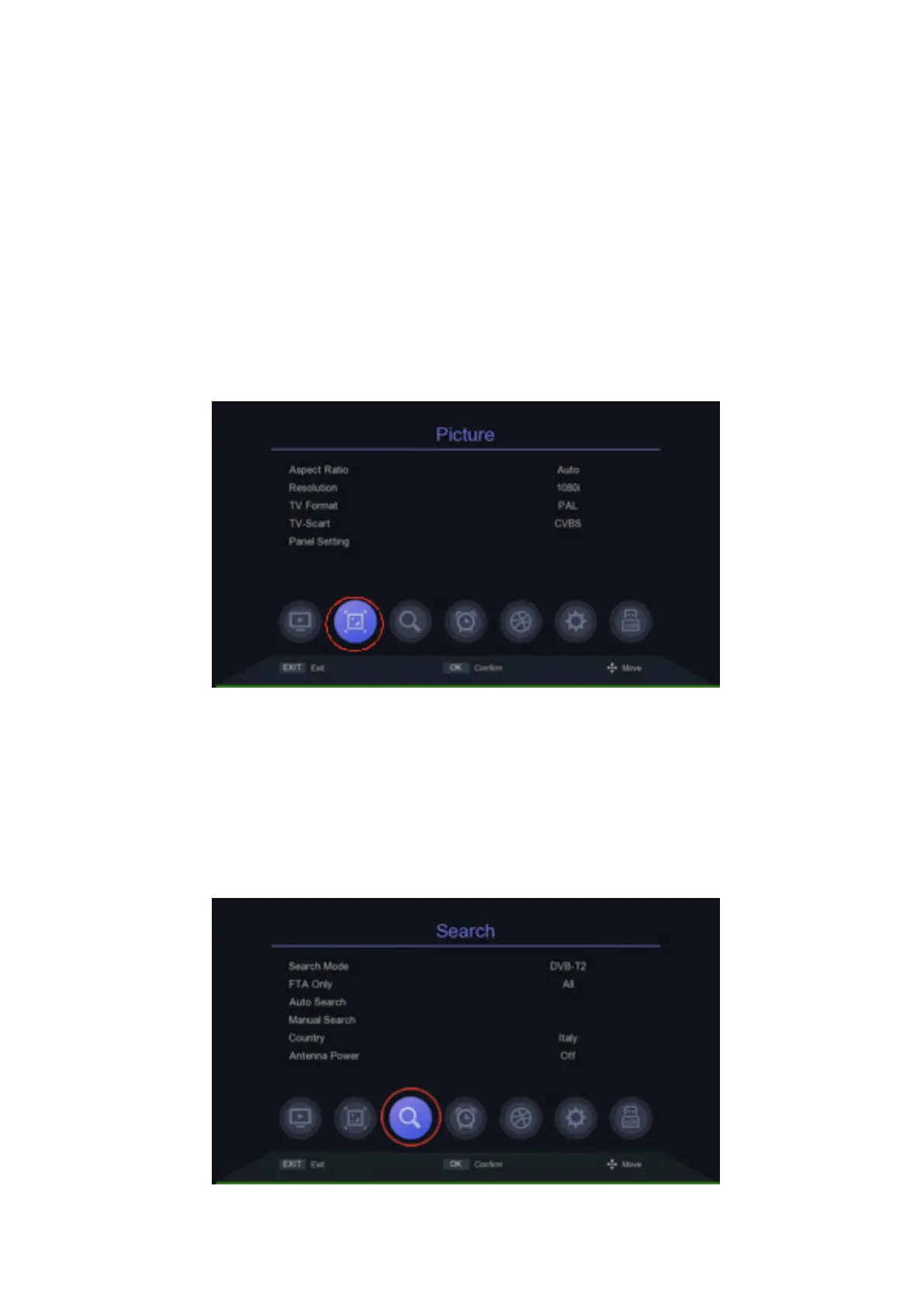
Picture
This menu allows you to change the image display format. The format is set
automatically according to the TV to which the decoder is connected. If not,
select 576I / P or 702P if you are using a TV with only the SCART socket, or
1080i / p if you are using a TV with a HDMI socket (1080p gives the maxi-
mum video resolution, but not all TVs support it). This menu also allows you to
change the SCART output (TV-SCART), the display on the decoder via PANEL
SETTING (whether to display the channel number or the current time during
transmission). To open the menu PICTURE, select the second icon bottom
from the left.
Search
This menu allows you to search the channels, both automatically and ma-
nual. To open the menu SEARCH, select the third icon bottom from the left.


 To Next Page