Chapter Ⅲ OSD Function
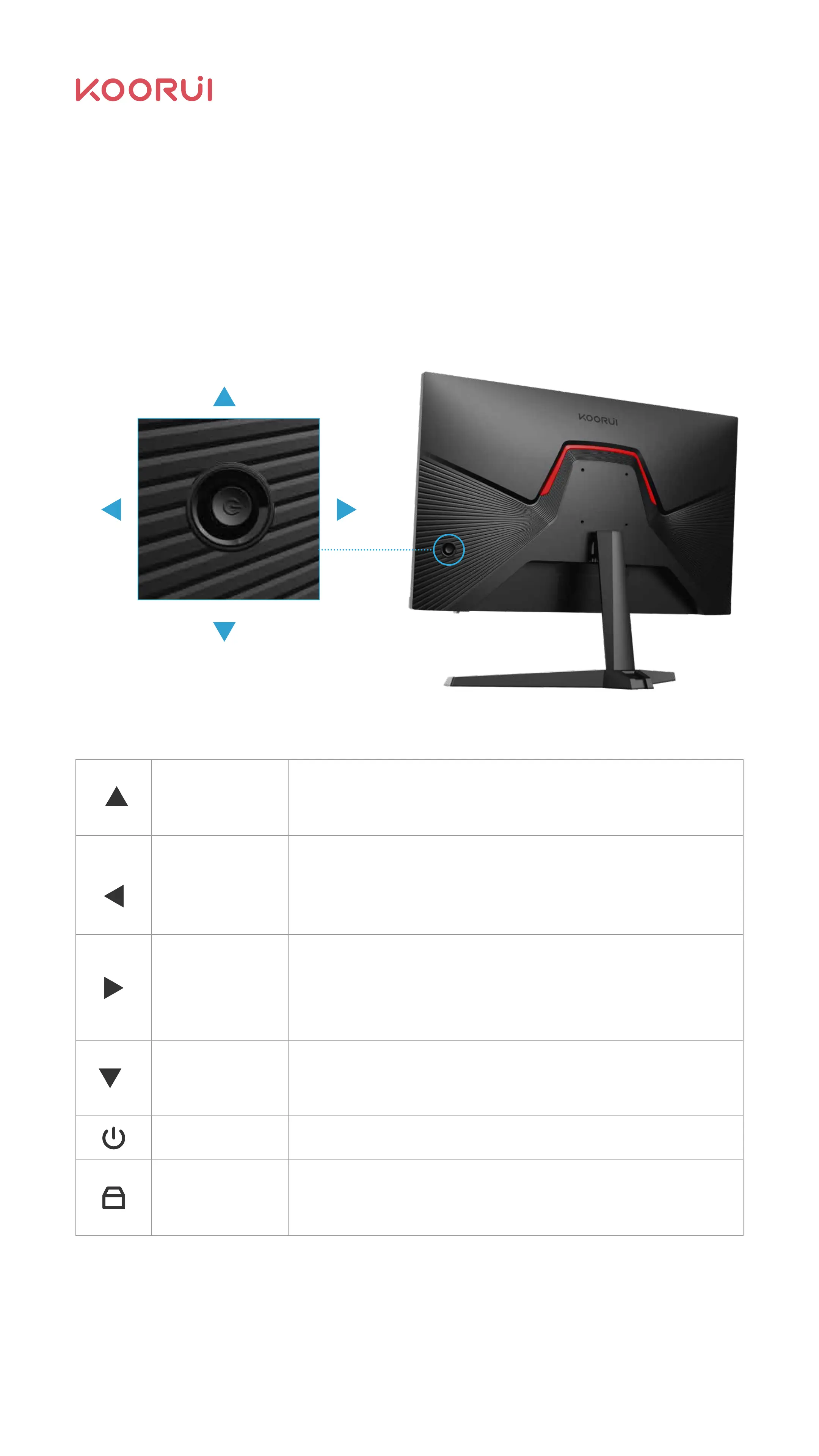
The OSD function information table of this product is as follows. If there is any
question about the operation process, please contact Koorui customer services.
Press this button to display the main menu, return to the
previous menu or exit the main menu.
Whenthemenuisopen,thecursormovesleftortheprogressbar
valuedecreases.
When the menu is closed, act as the specified shortcut volume
mode hotkey.
Whenthemenuisopened,itismovedtotherightortheprogressbar
valueisincremented
When the menu is closed, act as the specified shortcut volume
mode hotkey.
If the menu is active, pressing this key selects the function:
When the menu is closed, act as the specified shortcut Crosshair
mode hotkey.
Press it to turn on/off the monitor.
Remains on : normal working state ;
Flashes : power-saving standby state.
Menu
Left
Right
Power button
Fix on
Power LED
Menu
Select this
feature
Select the
left item
Select the
Right item
11



 To Next Page