Kortho Hot Quickcoder User manual
9
material to be coded. The text head (holder) is moved back into the HQC by pressing
HEAD IN (7).
TEMP (9) For adjusting the temperature of the text head between 80°C and 160°C. When the
red light is illuminated continuously once the system has been started up, the text
head is heating up. When the text head has reached the desired temperature, the red
light will flash to indicate that the text head is being kept at temperature. The text
head is now kept at the set temperature.
PULSE/TIME (10) For adjusting the desired stamping time of the text head. This time can be set
between 10 and 50 milliseconds. The orange PULSE/TIME light emits a light signal
during the stamping time.
PRINTDELAY (11) The green light on this dial is illuminated when a print signal is emitted by the
signal emitter.
The print delay can be deactivated by connecting jumper J16 on the PCB in the lid of he Control box.
See Appendix C.
2.2.1 Connections on the Control box
The Control box (see figure 2) has an HQC air connection (7), mains power connection (8), HQC
connection (9) and a swivel acting as a feed for a signal emitter (10).
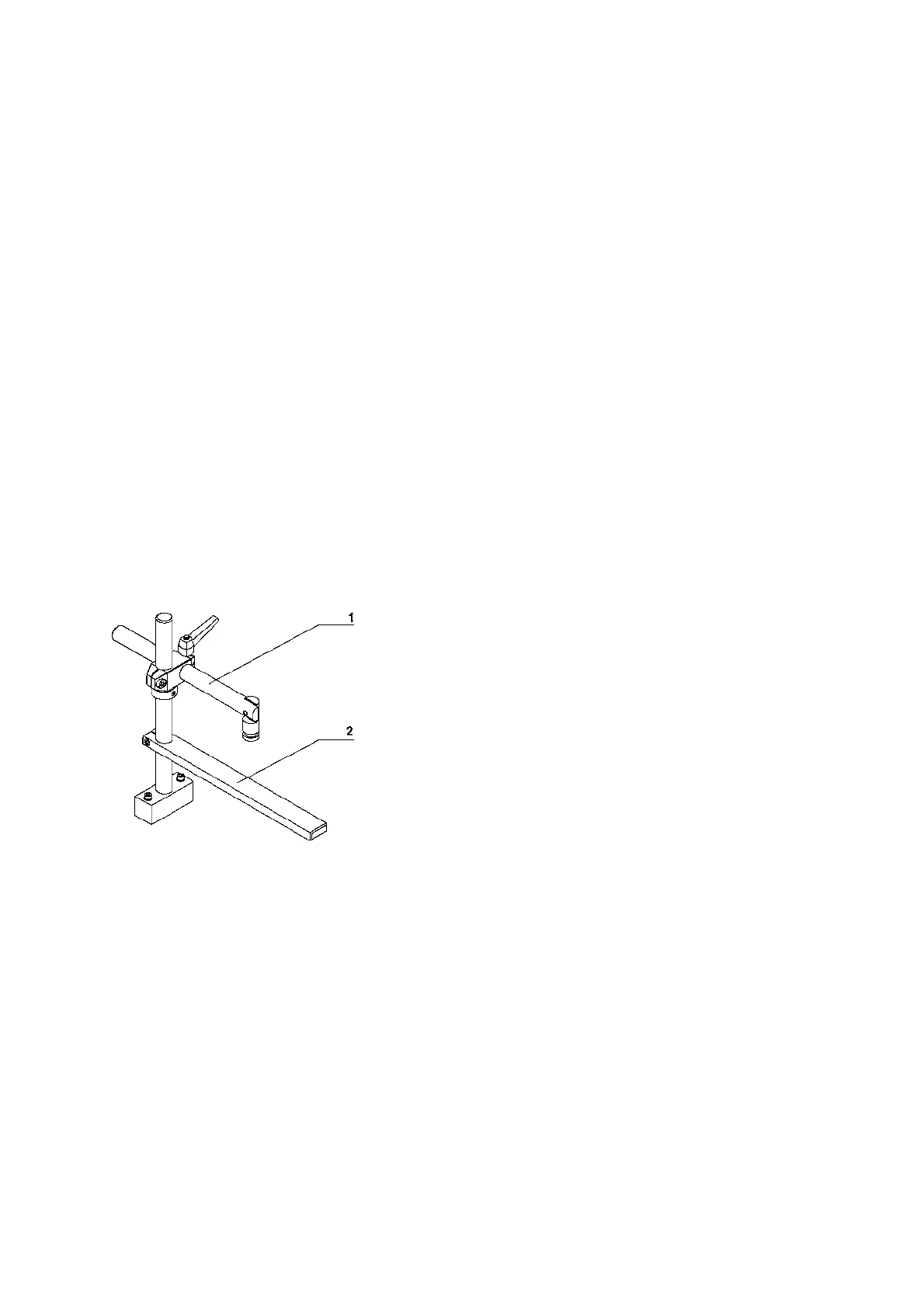
2.3 The support arm
Figure 4: The support arm
The support arm is used to position the HQC and any counter-pressure plate in relation to the product
to be printed.
The support arm is suitable for moving the HQC to any position.
The exceptionally short stamping time makes it possible to print directly onto a moving product
without further modifications.
1 Support arm
2 counter-pressure plate



 To Next Page