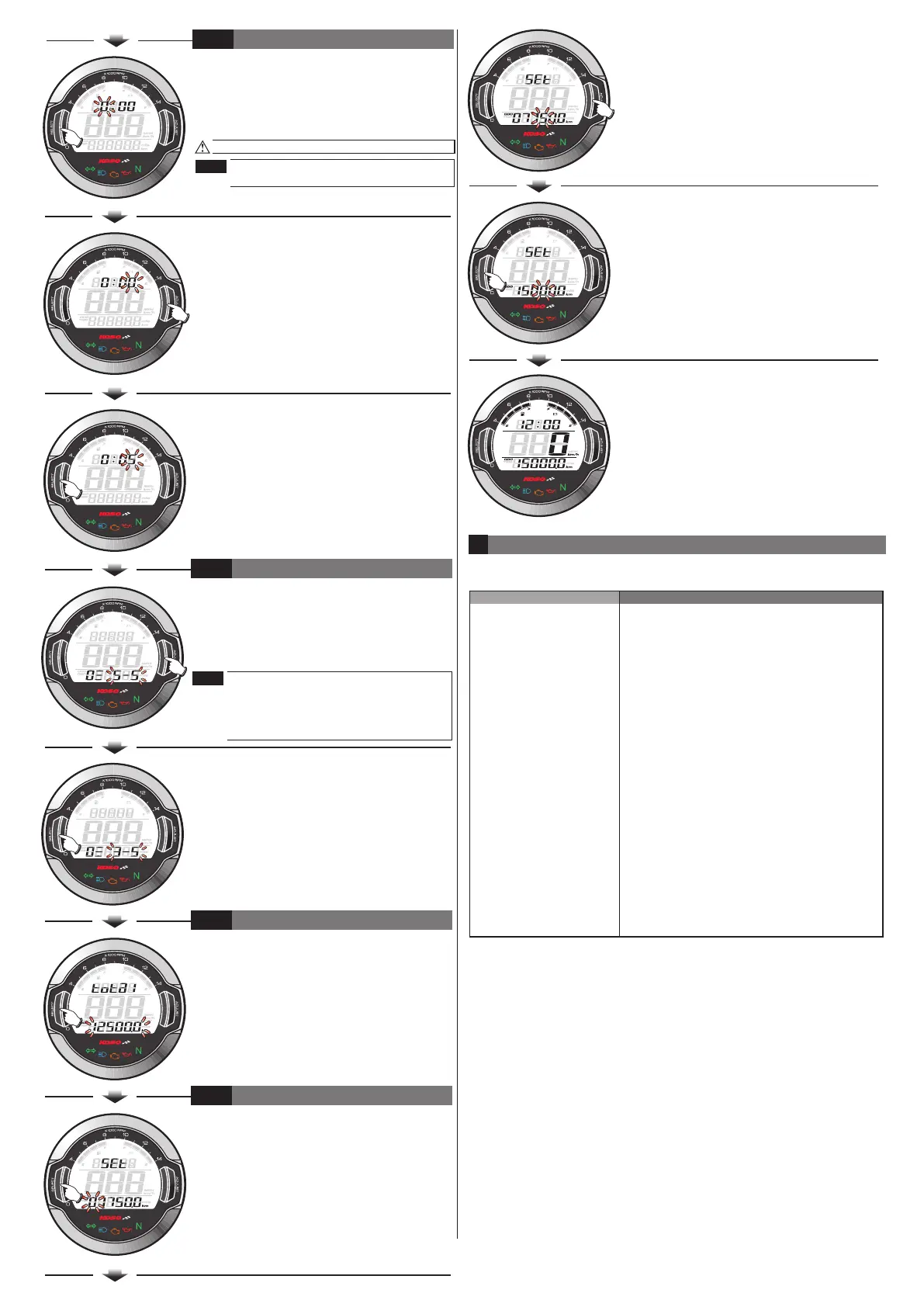
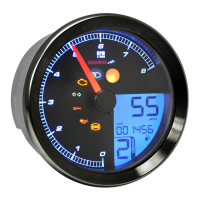
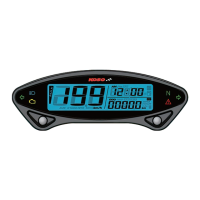
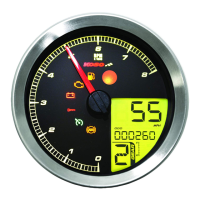
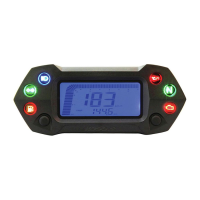
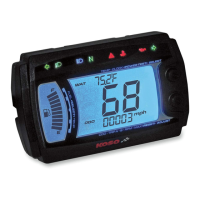
●EX. We would like to set the clock at 0:05.
●Please keep pressing the Select button and
release it until it move to the setting digital
you want.
●EX. Now the current clock setting is 0:00.
Now the setting digital value is flashing.
This is a 24H clock. The setting is in
order from hour to minutes.
4-4
THE CLOCK SETTING
NOTE
●Then press the Adjust button to change the
setting value.
●EX. We would like to change the brightness
to 3-5 (60 % brightness.)
●Please keep pressing the Adjust button and
release it until it move to the setting digital
you want.
●EX. The current backlight brightness setting is
5-5.
●EX. We would like to set the external
odometer to 15000.0 km.
●Please keep pressing the Select button and
release it until it move to the setting digital
you want.
●EX. The external odometer setting is 7750.0
km.
The setting range: 1-5 (Darkest) ~5-5
(Brightest), 5 different levels for choosing
Setting unit : 20 % per level.
The backlight brightness will change
immediately after you adjust the
setting value.
●After the setting, keep pressing the Select
button one time to enter the internal
odometer display setting.
●EX. The backlight brightness setting is
changed from 5-5 to 3-5.
●After the setting, keep pressing the Select
button one time to enter the backlight
brightness setting.
●EX. Now the clock is setting from 0:00
to 0:05.
●After the setting, keep pressing the Select
button one time to enter the external
odometer setting.
●EX. The internal odometer display is
12500.0 km.
4-5
4-6
4-7
●Then press the Adjust button to change the
setting value.
THE BACKLIGHT BRIGHTNESS SETTING
INTERNAL ODOMETER DISPLAY
EXTERNAL ODOMETER SETTING
●After the setting, keep pressing the Select
button one time to back to the main screen
●EX. The external odometer setting is changed
from 7750.0 to 15000.0 km.
●The main screen.
6
THE CLOCK SETTING
The following situation do not indicate malfunction of the meter. Please
check the following before taking it in for repair.
Trouble Check item
●The power doesn't supply to the meter.
→Please make sure the wiring is
connected. The wiring and fuse are not
broken.
→The battery is broken or the battery is too
old to supply enough power (DC 12V) to
make the meter work.
●Please check the voltage of your battery,
and make sure the voltage is over DC
12V.
●Please make sure the cable is connected
correctly.
●Check the tire-size setting.
refer to the manual 4-2.
The meter doesn't work
when the power is on.
Speed does not appear
or appear incorrectly.
The meter shows wrong
information.
●Please check your fuel tank
→is there any fuel inside?
●Please check the wiring
→Did you connect the wiring correctly?
●Please check the setting
→Refer to the manual 4-3.
●It is possible that the permanent power
wire is not connected well.
→Please check the red positive wire is
connect well or not.
Fuel gauge dose not
appear or appear
incorrectly.
The odometer and trip
meter is not
accumulated or
accumulated wrong
data.
※If still can't solve the problems according to the steps above, please
contact with distributors or us.
wh642bb03b-P4-4
NOTE


 To Previous Page