14
After the successful connection of the charging station and boundary wire , test
the robotic mower's function. (If the mower is too power-low to start, place the
mower in the charging station. Make sure the charging is successful. )
Check the LED regularly to ensure fixing the boundary wire has not affected the
connection and the signal indicator on the mower is consistent with that on the
charging station (both S1 or S2).
Then place the mower in the working area, a few meters beside the docking
station. Set the main power switch to "ON".
There are two signals which can be selected, S1 and S2. Make sure the mower
and charging station are using the same signal.
If your neighbour is using the same mower, ensure that both products are using
different signals. Please refer to the section of "Signal setting" in order to select
signal S1 or S2 for your installation.
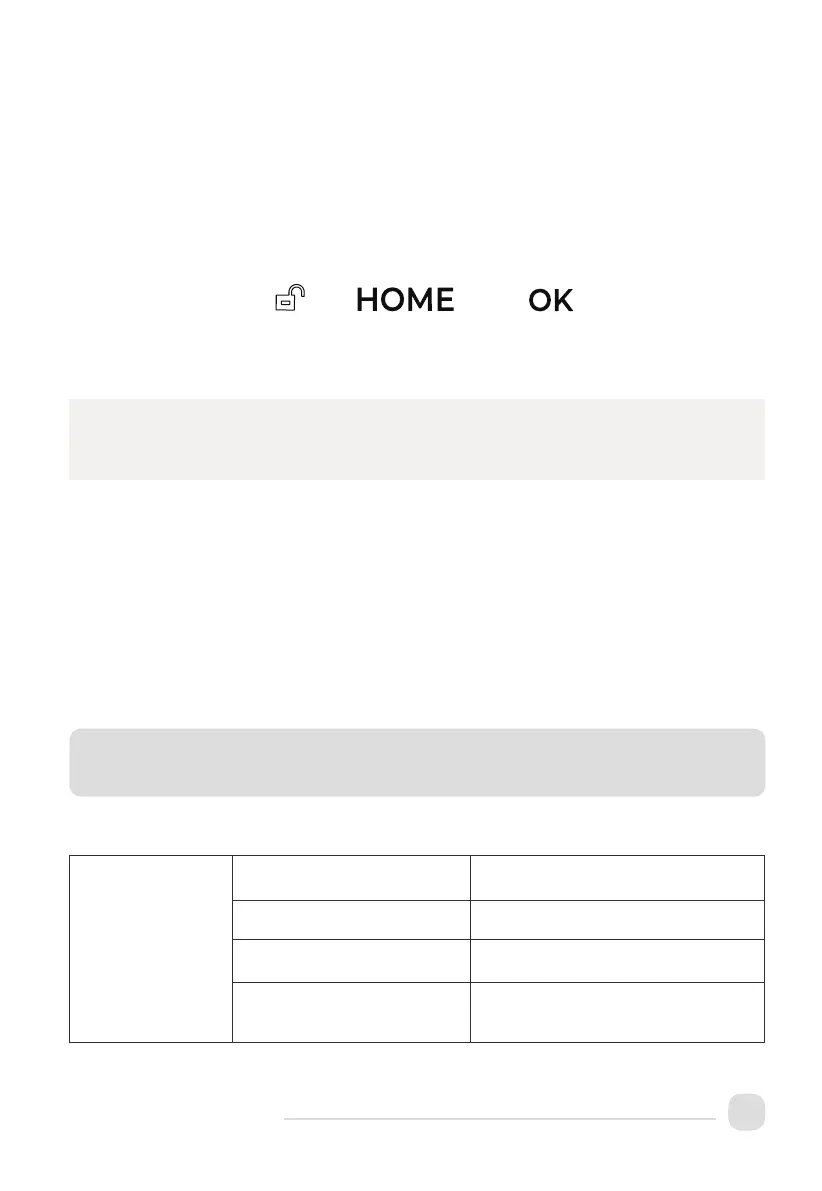
Press the buttons,unlock home and OK in order, a few seconds
later,the mower should automatically return to the charging station by locating and
foll
owing the boundary wire in anti-clockwise direction. If the mower fails to dock
correctly, move the docking station to a more suitable location.
Charging and Testing
Signal Selection
Successful dockin g and charging in dicates that you have found a suitable position
for the docking station. You should now drive the fixing pegs into ground fully.
Note:
Once the relevant preparations have been made, learn how to control your mower!
Technical Data
Basic Information
Product Name Robotic Mower
Brand KOWOLL
Dimensions
(Length × Width × Height)
46x37x22cm
Net Weight
(Battery Included)
8.3kg


 To Next Page