Always switch off the power to each device before connecting it to your
PT-580T and the receiver. After connecting your PT-580T/receiver,
connect the power and then switch on the power to each device.
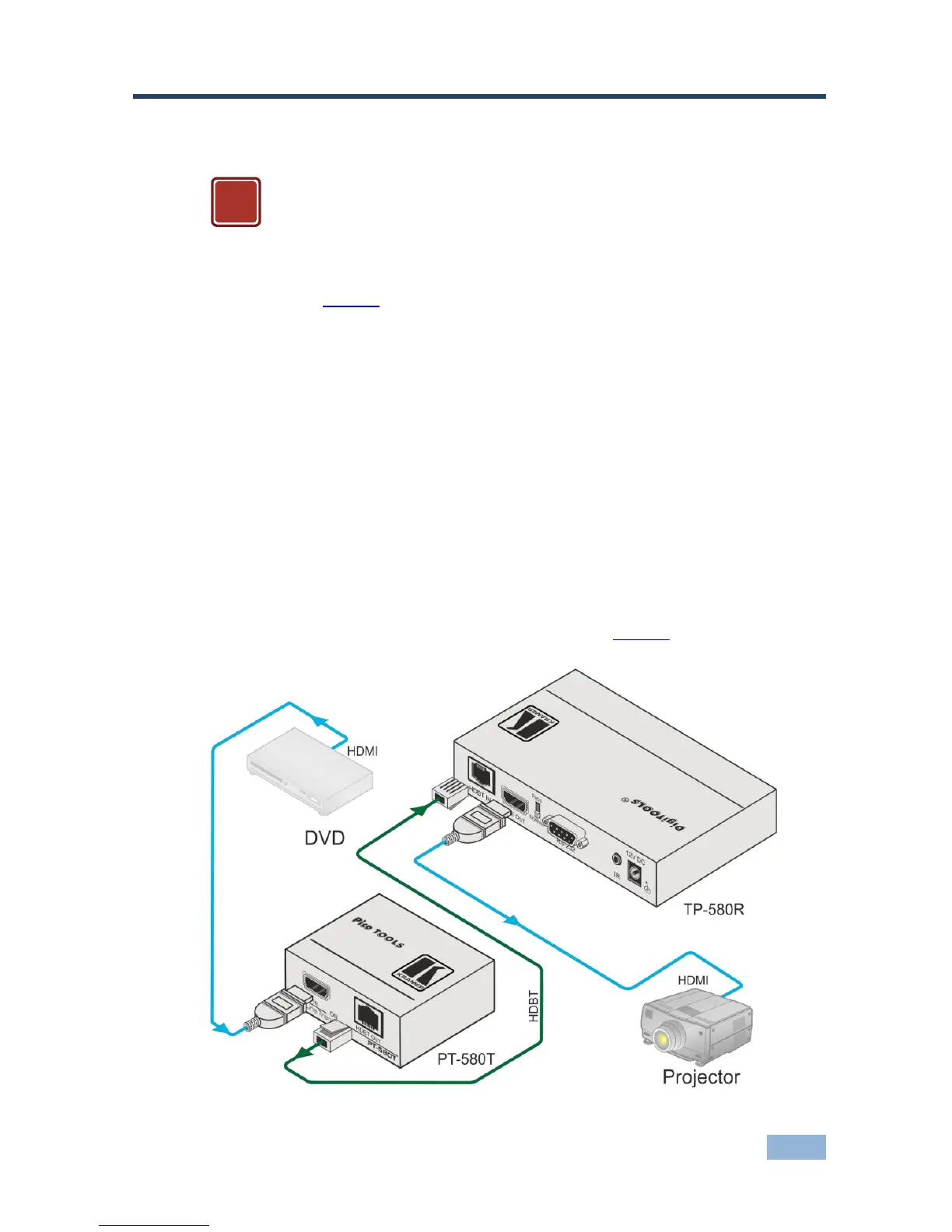
To connect the PT-580T to a receiver (for example, the TP-580R), as illustrated in
the example in Figure 8, do the following:
1. Connect an HDMI source (for example, a DVD player) to the HDMI IN
connector.
2. Connect the HDBT OUT RJ-45 connector over twisted pair to the TP-580R
HDBT IN connector.
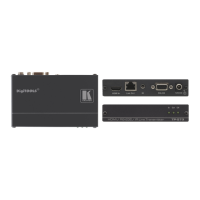
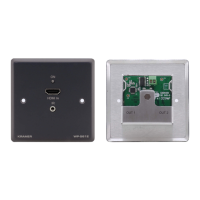
Alternatively, you can use any other certified HDBaseT receiver device (for example,
the Kramer WP-580R)
3. On the TP-580R, connect the HDMI OUT connector to an HDMI acceptor
(for example, a projector).
4. Connect the 5V DC power adapter to the power socket on the PT-580T and
the 12V DC power adapter to the power socket on the TP-580R and connect
the adapter to the mains electricity (not shown in Figure 8).
Figure 8: Connecting the PT-580T/TP-580R Transmitter/Receiver Pair



 To Next Page