800-447-8638
Step-by-Step
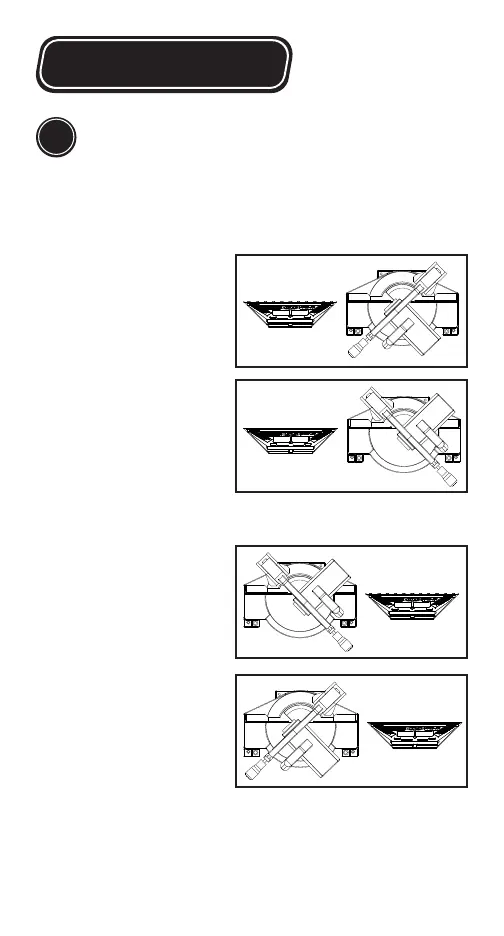
Right Outside Corner:
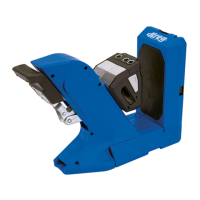
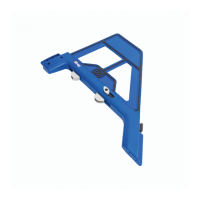
• Position your Crown-Pro
™
to the left of the blade.
• Rotate your saw away
from the Crown-Pro
™
.
Right Inside Corner:
• Position your Crown-Pro™
to the left of the blade.
• Rotate your saw towards
the Crown-Pro™.
Left Outside Corner:
• Position your Crown-Pro
™
to the right of the blade.
• Rotate your saw away
from the Crown-Pro
™
.
Left Inside Corner:
• Position your Crown-Pro
™
to the right of the blade.
• Rotate your saw towards
the Crown-Pro™.
Use the diagrams below to set your Crown-Pro
TM
based
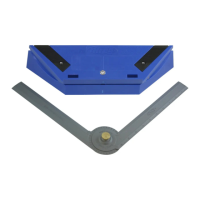
on your type of cut (Step 3) and set your saw angle
based on your wall angle (Step 4)
Prepare to make your cut
5
*Diagrams indicate rough positioning only. During actual use,
Crown-Pro
™
will rest directly on the saw bed, close to the blade.




 To Next Page