INSTALLATION GP800 UPS
- 10 -
3. Position and way of connect
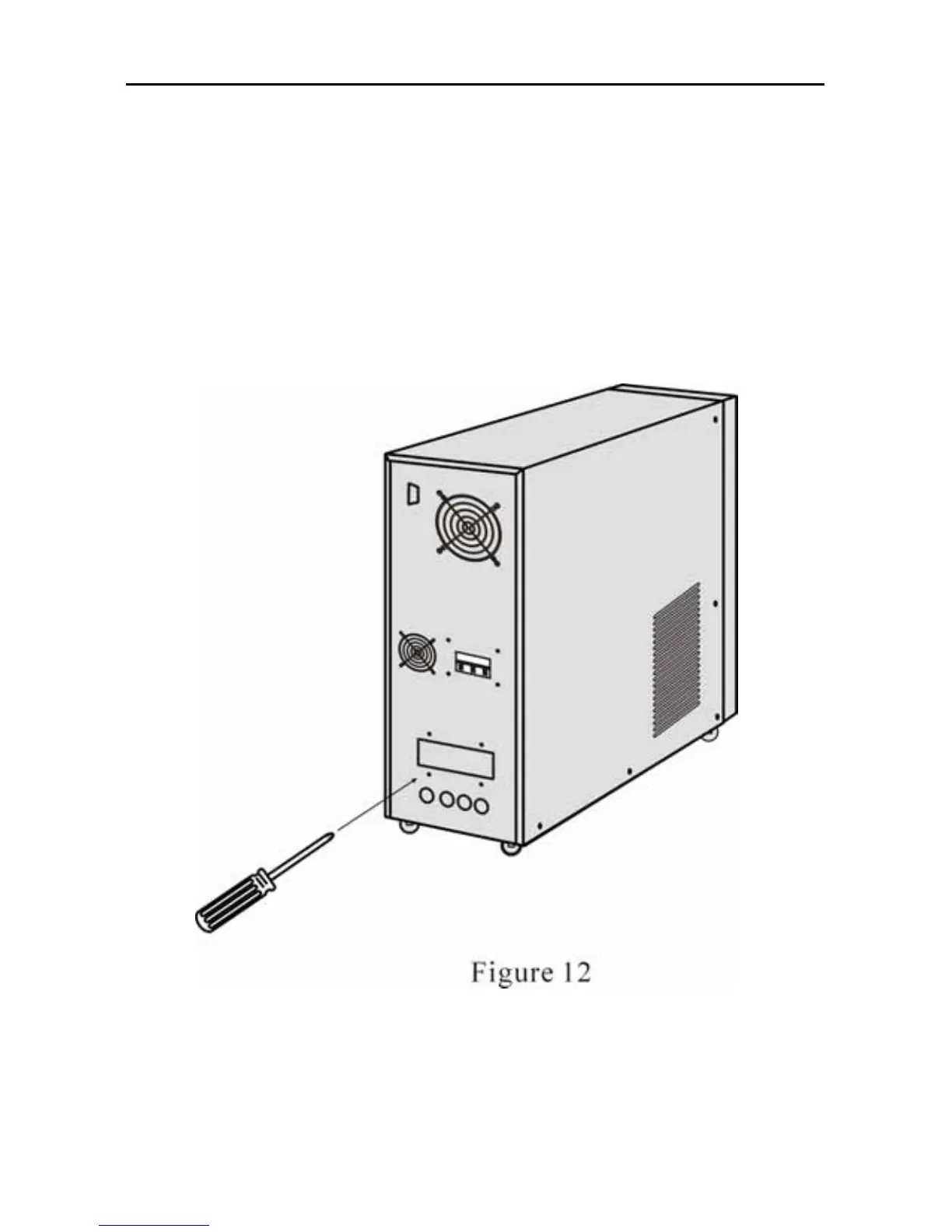
(1) Remove two screws with “+” screw-driver (Figure 12)
(2) Open the back panel and inspect the wiring terminal below the
power switch. (Figure 13)
4. Relock the special cover after completing connection.
5. Please first fetch in the power cables of input, output and batteries
pack through inlet/outlet hole of distribution electricity and then barge
connect to terminal plate.



 To Next Page