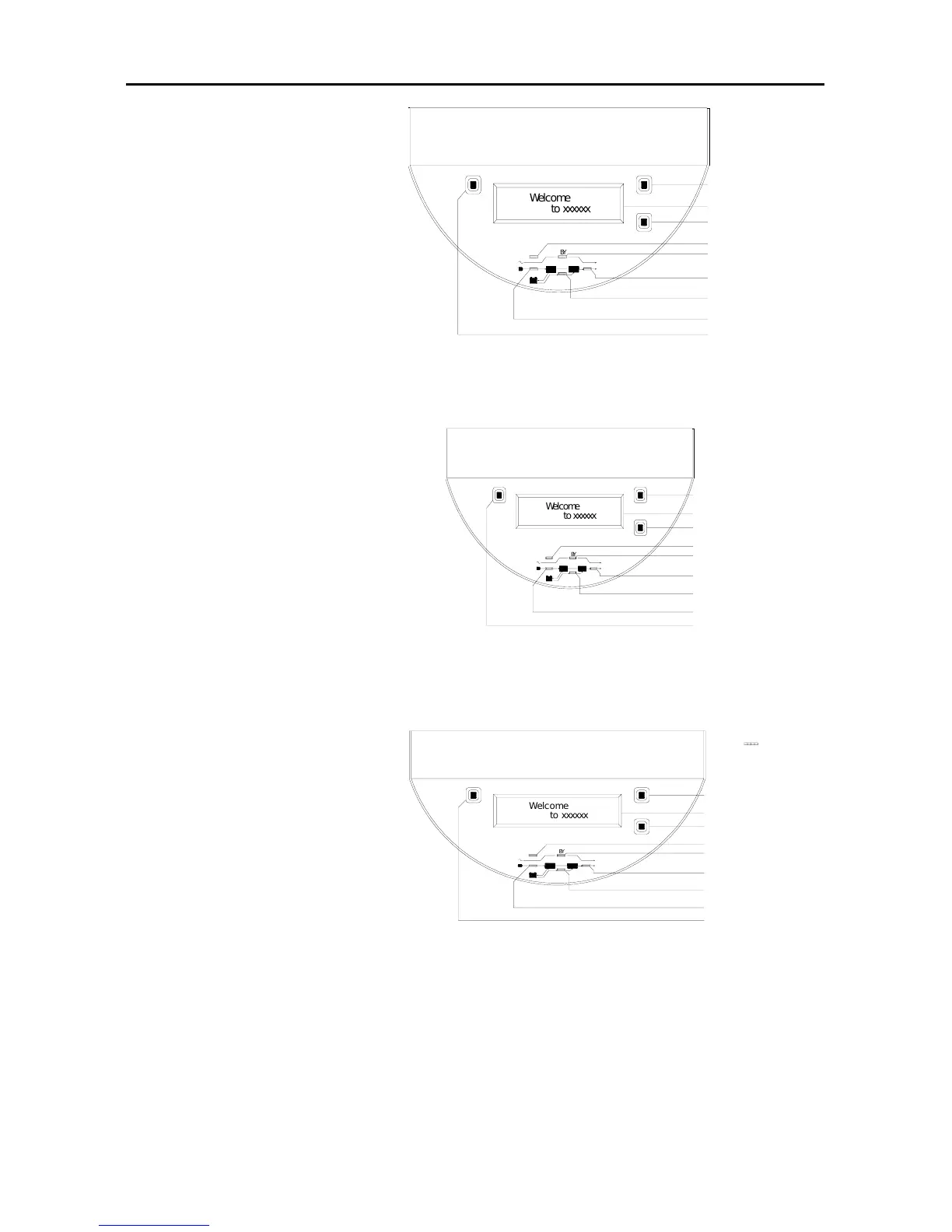
Output indicator
Bypass indicator
Fault indicator
LCD
Cycle display button
Sw itch ON
On
Down
Off
FAULT
B
Y
BATT
IN
OUT
2. Press the “ON”
button on front panel.
As right figure. The
input indicator and the
bypass indicator are
solid on. LCD display is
lit on. Output is utility
powered via bypass.
3. After 20s, input indicator
light on front panel is lit
on, bypass indicator is off,
and output indicator is lit on.
The welcome information is
displayed on LCD, output is
UPS inverter powered.
4. Shutdown input power of UPS,
utility indicator light is
off,and battery energy
indicator light is lit on.the
welcome information is
displayed on LCD, and output is
UPS inverter powered, as
following drawing. UPS sounds every four
seconds, which indicates UPS runs on battery
mode at present. The sound will automatically stop 90s later. UPS will
sound alarm every 1s again when battery power is to be exhausted.
5. Utility indicator will be lit on when UPS input power source is
resumed. Press the LCD display cycle switch button to switch items
Figure 19
Figure 20
BZ
W
e
l
c
o
m
e
t
o
x
x
x
x
x
x
Switch OFF
Input indicator
battery energy indicator
Output indicator
Bypass indicator
Fault indicator
LCD
Cycle display button
Sw itch O N
On
Down
Off
FAULT
B
Y
BATT
IN
OUT



 To Next Page