DASH 7
73
Press and
hold the SET
button for at
least 3 sec-
onds.
All the entries in the Trip 2 menu are reset.
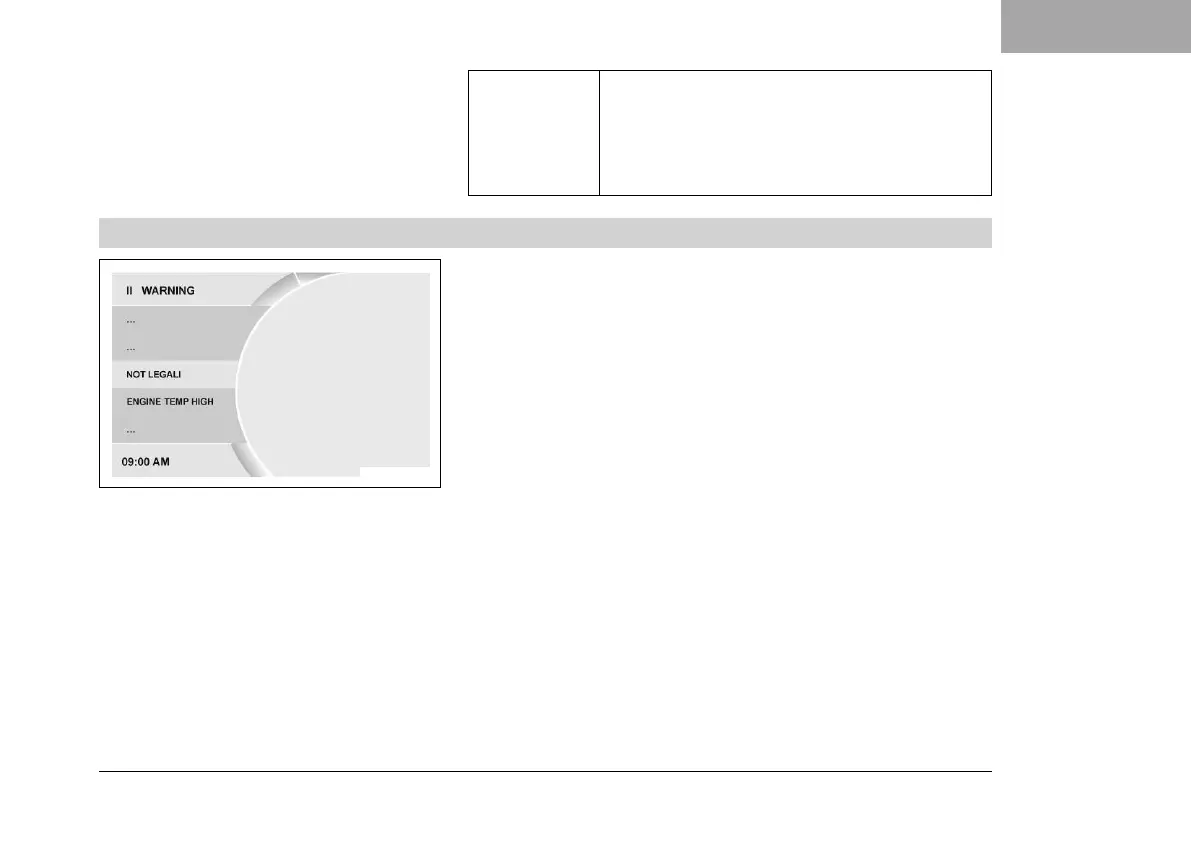
7.19.13 Warning
V01167-01
Condition
• Message or warning is present.
– Press the SET button when the menu is closed.
– Press the UP or DOWN button until Trips/Data is marked. Press
the SET button to open the menu.
– Press the UP or DOWN button until Warning is marked. Press
the SET button to open the menu.
– Use the UP or DOWN button to navigate through the warnings.
All the warnings that have occurred are displayed and stored in
the Warning menu.













 To Next Page