CHECKS BEFORE START12
Information
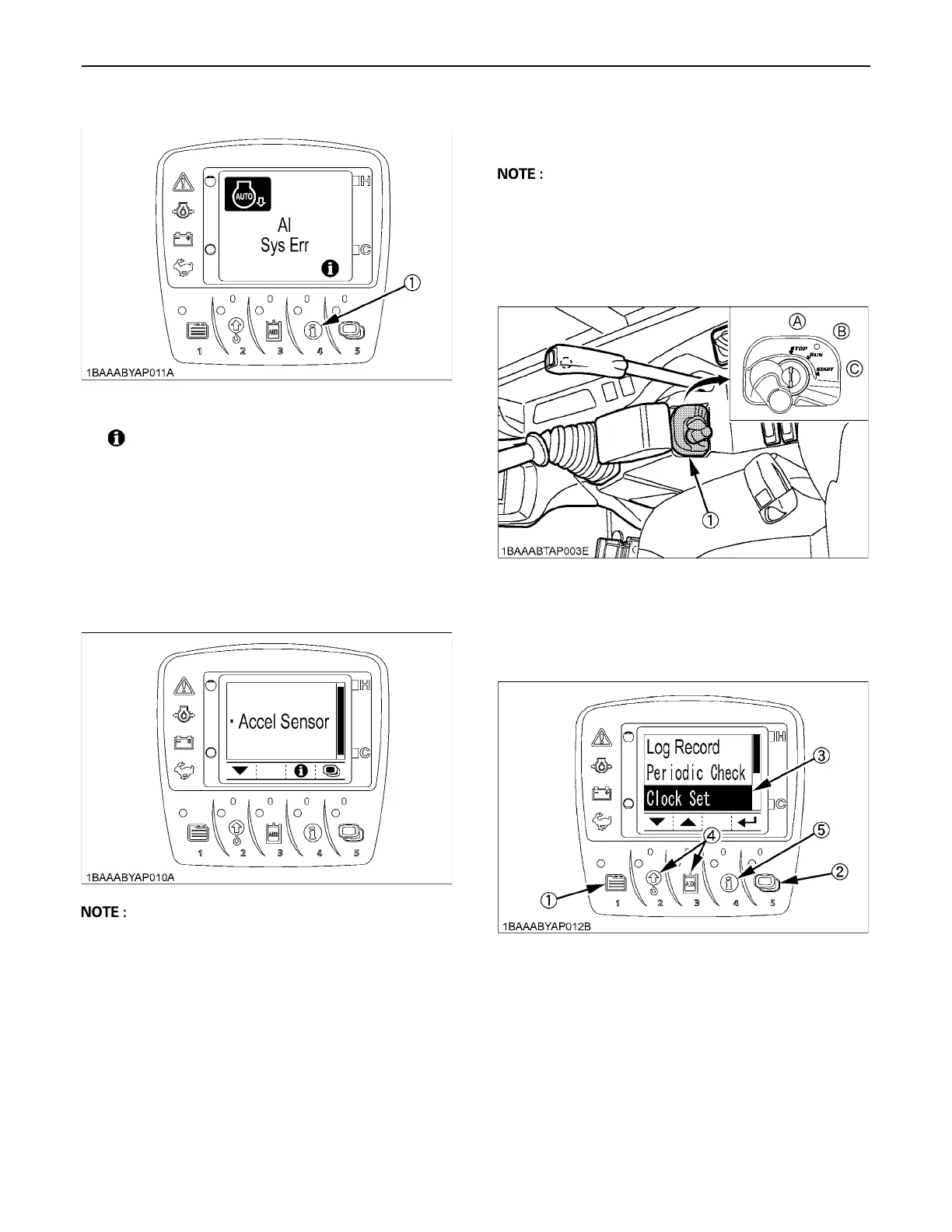
A " mark" may appear together with a warning
message.
If such occurs, the details can be checked by pressing the
information switch.
When contacting your local dealer for repair, notify them
of the information provided.
For Example;
Press the information switch, and a detail such as shown
below appears.
A Press the information switch again, and the display
goes back to the previous screen.
A If you have any question, consult your KUBOTA
Dealer.
BSetting the Clock
1. Turn the starter key to the "RUN" position.
2. Press the switch 1 to make the log record/periodic
check/clock set screen appear.
(1) Information switch
User settings
(1) Starter switch (A) STOP
(B) RUN
(C) START
(1) Switch 1
(2) Switch 5
(3) Cursor
(4) Switch 2 and 3
(5) Switch 4



 To Next Page