37
ENGLISH TECHNICAL PASSPORT
Ceramic hob & Induction hob
Melt or defrost
(about 50°С)
Heating or keeping warm
(about 70°С)
Simmering, temperature
close to boiling, useful for
slow cooking
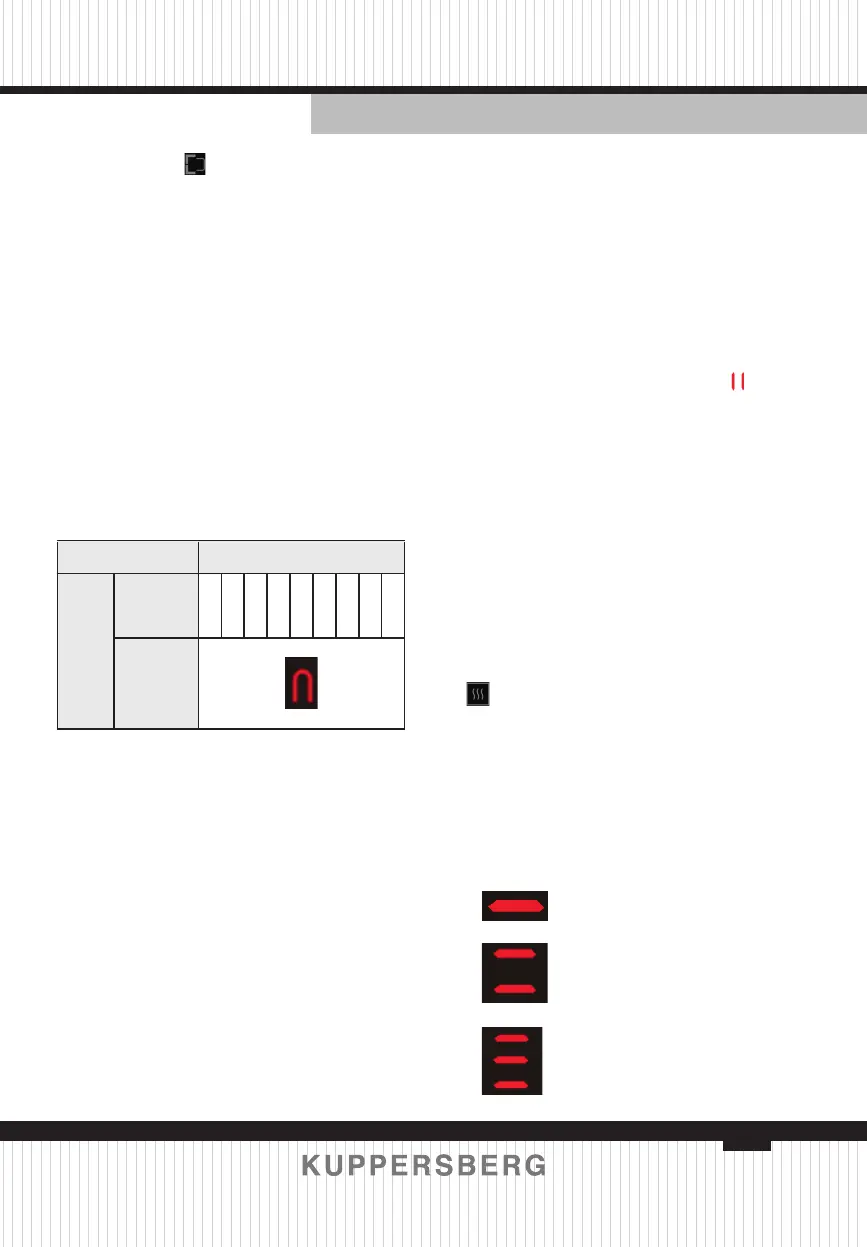
Level adjustment Display Content
Bridge-Heating
Function
Heating
Level
1 2 3 4 5 6 7 8 9
Heating
zone’s
display
USING THE DOUBLE RING ZONE
 You can set the double ring zone
after the zone is working.
 You can set the zone working by
double ring or single ring.
1. Turn on, the double ring work by
default.
2. Select the relevant cooking zone
which is working by touching the zone
select key.
3. Press the double ring control key
adjust the double ring or single ring.
bridge mode
, and all the heating
zones will be reset to zero at the same
time.
Heating Level adjustment:
In the bridge-heating mode, press the
heating zone selection button that needs
to be adjusted. At this time, the two heat-
ing zones in the bridge mode ash and
display at the same time, and then adjust
the power level. After the operation, it
will be ashing for 10 seconds to con-
rm this operation. In the process of level
operation, the two burner’s digital tubes
display the content independently, which
is divided into the following states:
USING THE PAUSE FUNCTION:
STOP & GO
 The pause function can be used at
any time during cooking. Allows Stop the
hob and restore cooking without losing
any adjustments.
1. Make Sure the cooking zone is
running.
2. Press the Stop & Go button. The
Cooking zone indicators will show
.
The hob Will Be deactivated, except
for the Stop & Go, ON/OFF and Child
Lock.
3. To Cancel the pause, press the
Stop & Go button again. The Cooking
Zones will return to the power level you
previously set.
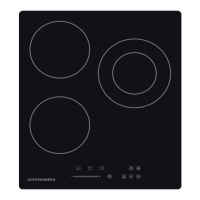
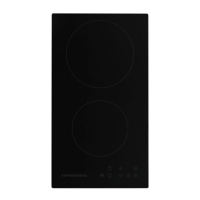
USING THE COOKING FUNCTION
 Touch the cooking zone selection
button that you wish to use, then touch
key
.
 The cooking zone indicator will
show below icon:
When you use ceramic hob, you can
use it for 3-level keep warm.
When you use induction hob, you can
use it for 3 different cooking function as
below.



 To Next Page