Safety Precautions
30
How to Drain Water
If the product gets wet, be sure to drain the mouthpiece
(microphone) and receiver/speaker.
Water remaining in those parts might wet your clothes or bag, or the
sound might become hard to hear.
Follow the steps below to drain water.
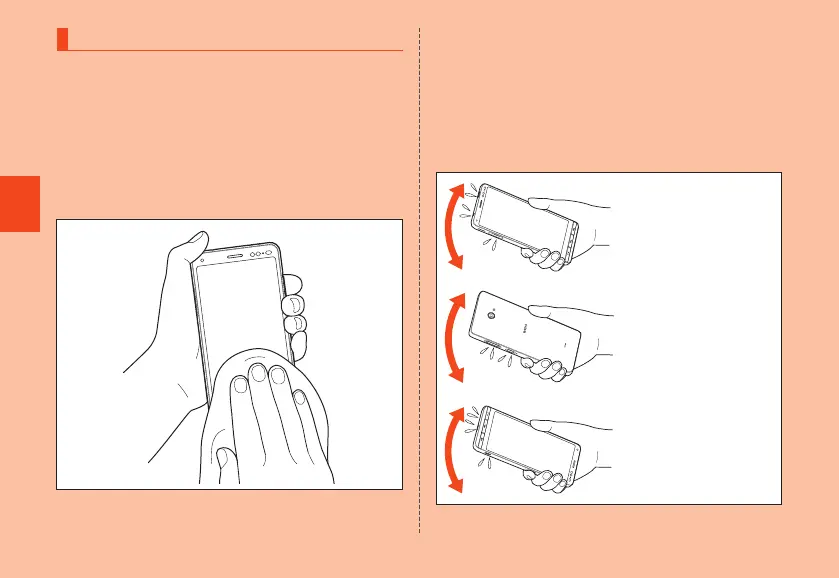
1
Wipe water thoroughly on the surface of
the product with a clean dry lint-free cloth
2
Shake the product
① Hold the product firmly and shake it in the direction of
arrows until water does not come out.
* When shaking the product, stay alert to your
surroundings.
* Be careful not to have the product pop out, and hold
it firmly to drain water.
Earphone microphone
terminal・
F
(Power
button)・au IC card/microSD
memory card tray:
20 times or more
Buttons:
20 times or more
Strap attachment
・mouthpiece (microphone)
・external connection
terminal:
20 times or more
CB70_EN.indb 30 2020/02/07 13:41:13













 To Next Page