44
Getting Ready
Removing au IC Card
1
With your ngertip on the groove in the
au IC card/microSD memory card tray,
pull it out without bending
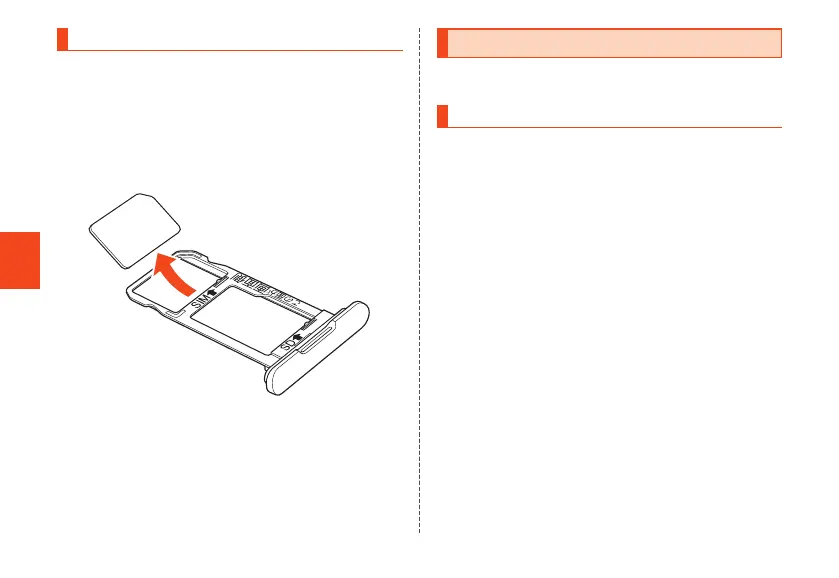
2
Remove the au IC card from the au IC
card/microSD memory card tray
3
Insert the au IC card/microSD memory
card tray in the product, and push in all
the way without bending
Attaching/Removing microSD Memory Card
Turn the product off before attaching/removing the microSD
memory card.
Attaching microSD Memory Card
1
With your ngertip on the groove in the
au IC card/microSD memory card tray,
pull it out without bending (▶P. 42)
2
Hold the microSD memory card with its
terminal side (metal) downward and insert
in au IC card/microSD memory card tray
• To avoid breaking the tab on the au IC card/microSD
memory card tray, slide the microSD memory card in
the direction shown to attach.
• Insert the microSD memory card in the au IC card/
microSD memory card tray completely.
CB70_EN.indb 44 2020/02/07 13:41:15













 To Next Page