45
Getting Ready
Tab
3
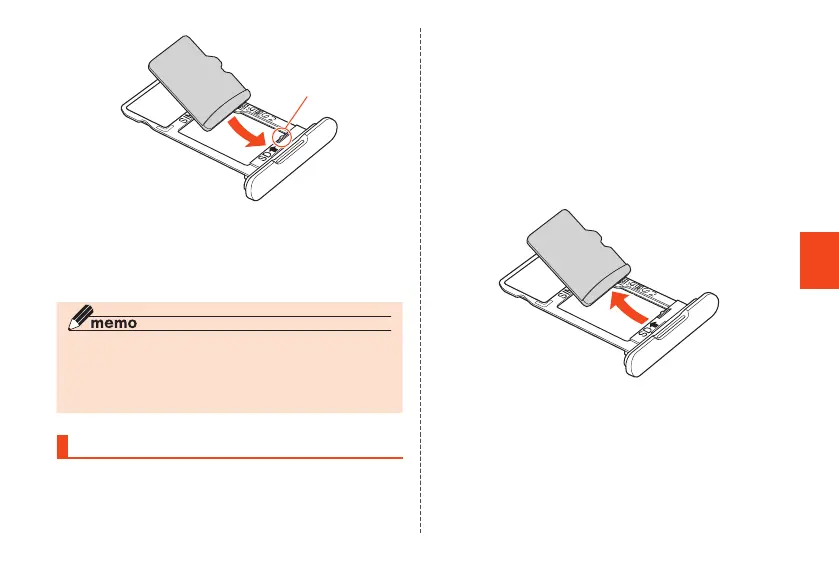
Insert the au IC card/microSD memory
card tray in the product, and push in all
the way without bending (▶P. 42)
◎ The microSD memory card has a back and front side/top
and bottom orientation. Trying to insert the card forcefully
may cause the card to become permanently lodged or
cause damage.
Removing microSD Memory Card
To prevent corruption (erasure) of data when removing a
microSD memory card, always unmount a card with the
following operation.
1
Home screen → [Settings] → [More] →
[Storage] → "UNMOUNT" in "SD card"
2
With your ngertip on the groove in the
au IC card/microSD memory card tray,
pull it out without bending (▶P. 42)
3
Remove the microSD memory card from
the au IC card/microSD memory card tray
4
Insert the au IC card/microSD memory
card tray in the product, and push in all
the way without bending (▶P. 42)
CB70_EN.indb 45 2020/02/07 13:41:15













 To Next Page