57
Basic Operations
Basic Operations
Using Touch Panel
The product's display is a touch panel that can be used by
touching directly.
• Operating the touch panel in the following ways may
cause no response or misoperation.
- With gloves on
- With fingernails
- With something placed on the screen
- With films (commercially-available protective films or
privacy protectors) or stickers on touch panel
- With water droplets or condensation on the display
- With wet or sweaty fingers
- Under water
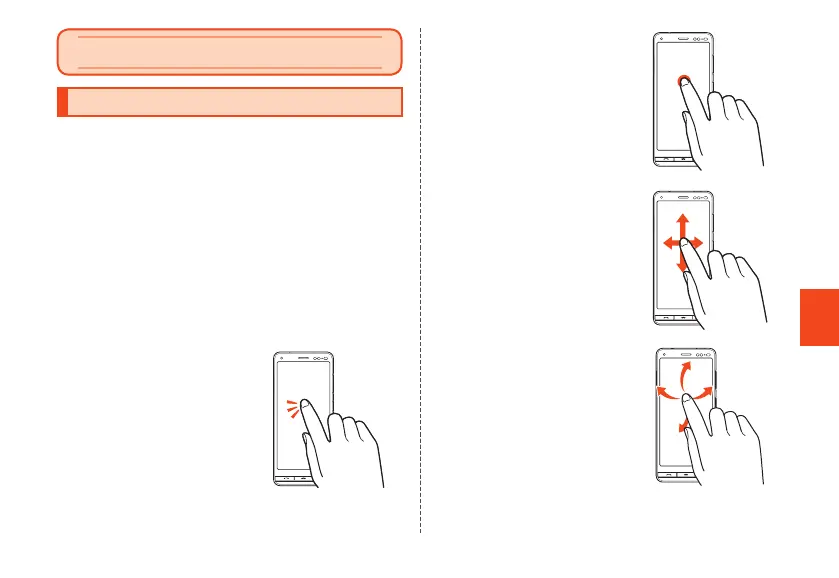
■ Tap/Double-tap
Lightly touch a screen and then
immediately release your finger.
Tapping a screen twice in the same
position is called double-tap.
■ Long-touch
Keep touching an item.
■ Slide/Swipe
When content is partially hidden,
lightly touch the screen and slide in
the desired direction.
■ Flick
Touch the screen and flick up/down/
left/right.
CB70_EN.indb 57 2020/02/07 13:41:16













 To Next Page