80
Care and Maintenance
■ Jam at E
1
Remove the jammed media from the output tray.
— OR —
Pull open the access door (above the plastic output tray) and remove
the media.
Safety Caution:
Be careful not to let go of the access door while it is opened.
— OR —
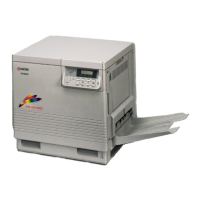
Open the cover on the right side, and remove the media.
2
Open and close the front cover to clear the error message from the
message display.


 To Next Page
 Loading...