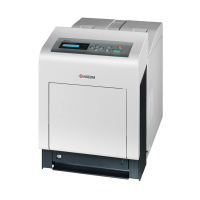
2HL/2HM/2HN
1-3-1
1-3 Maintenance Mode
1-3-1 Maintenance mode
The printer is equipped with a maintenance function which can be used to maintain and service the machine.
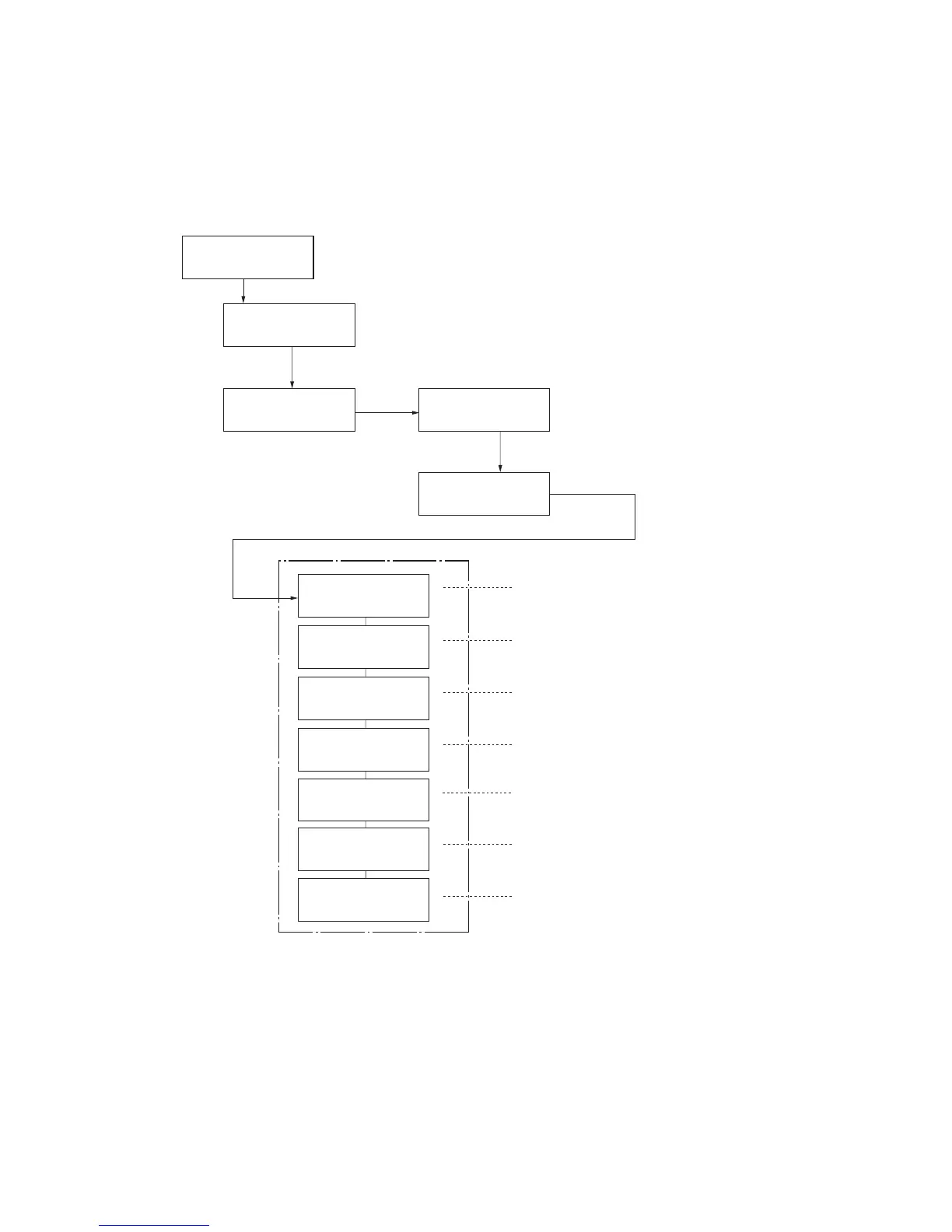
(1) Executing a maintenance item
>>DEV-CLN
>>Drum
>>LSU/Charger
Ready
Report Print >
Adjust/ >
Maintenance
>Color
Calibration
>Service >
4. Press the or key several times
until [>Service >] is displayed.
5. Press the key.
3. Press the key.
>>Print
Status Page
>>Print Network
Status Page
>>Print
Test Page
To print a status page for service purpose.
To print a network status page.
To print a test page.
To reset the counter after replacing the maintenance kit.
To perform developer refreshing.
To perform LSU dust shield glass and main charger cleanin
To perform drum surface refreshing.
>>Maintenance
1. Press the MENU key.
Message display
2. Press the or key several times
until [Adjust/Maintenance >] is displayed.
Service mode items
To scroll these items,
press the or key
repeatedly.
(See page 1-3-2)
(See page 1-3-7)
(See page 1-3-7)
(See page 1-3-8)
(See page 1-3-9)
(See page 1-3-9)
(See page 1-3-10)


 To Next Page
 Loading...