vii
> Color and Image Quality Functions
Color and Image Quality Functions
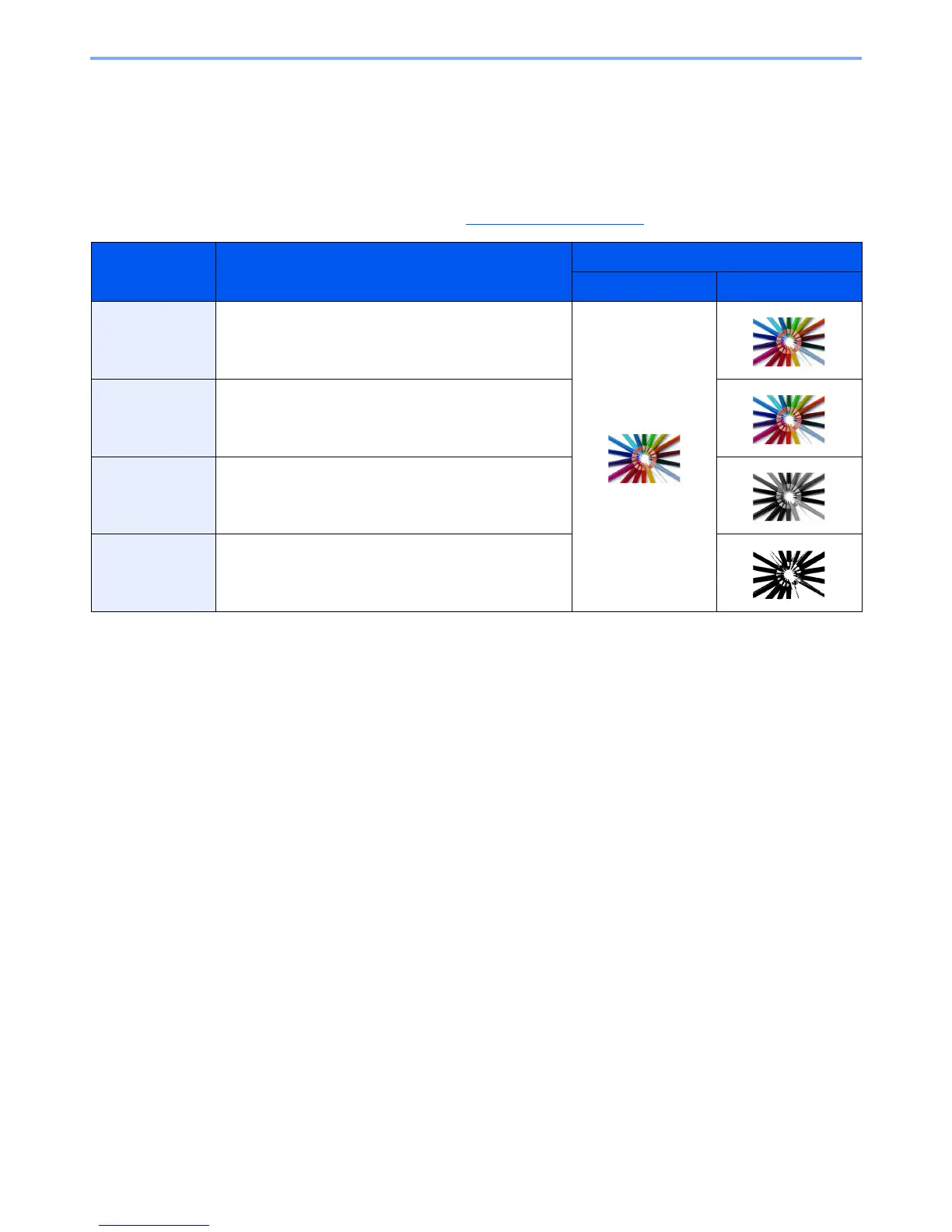
The machine is equipped with various color and image quality functions. You can adjust the scanned image as desired.
Basic Color Modes
The basic color modes are as follows. For details, refer to Color Selection (page 6-22).
Color mode Description
Reference image
Before After
Color/Gray
Color/B & W
Automatically recognizes whether a document being
scanned is color or black & white.
Full Color Scans a document in full color.
Grayscale Scans a document in grayscale.
Black & White Scans a document in black & white.












 To Next Page