Troubleshooting
12-34
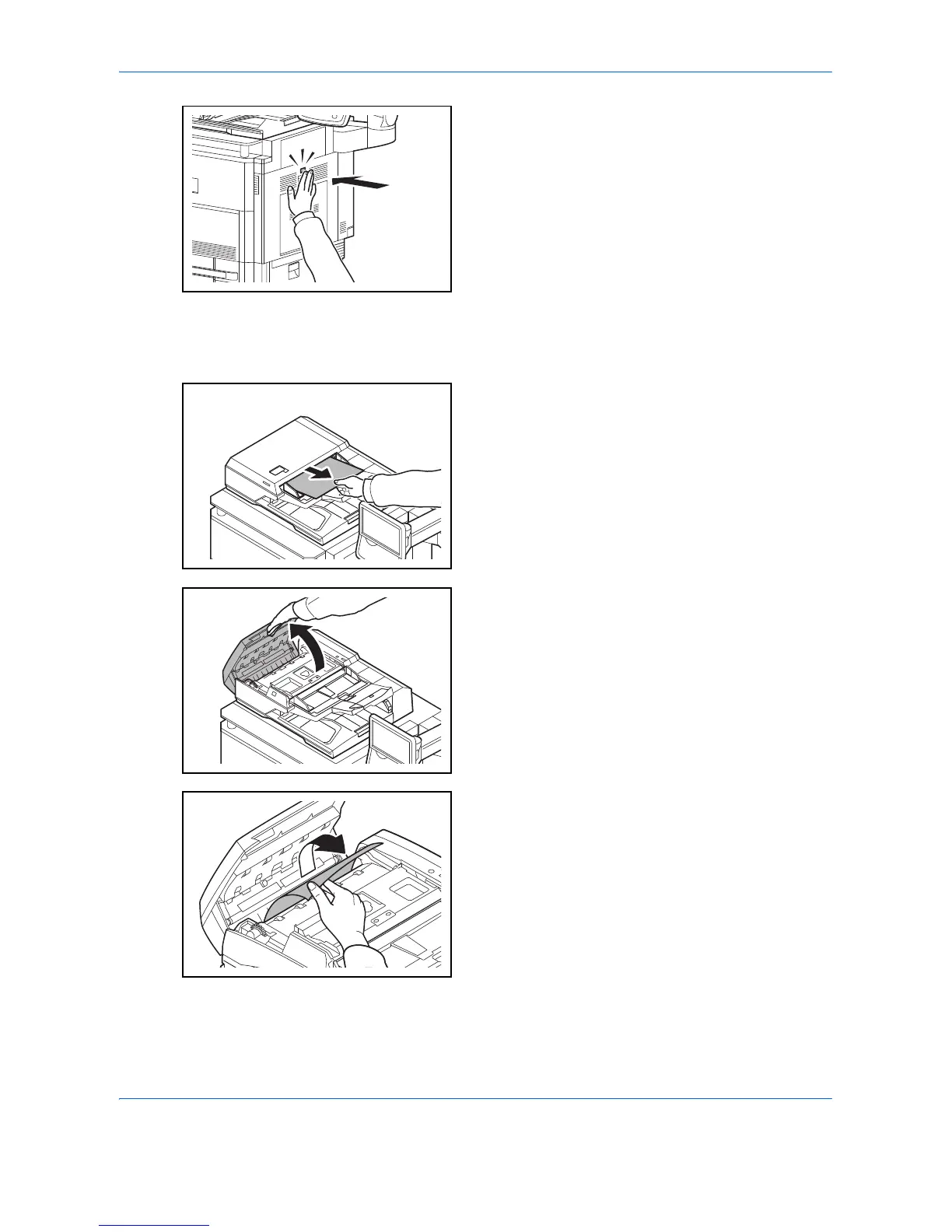
5 Push the fuser cover back in place, and press the
specified position to close right cover 1.
Document Processor
Follow the steps below to clear paper jams in the document processor (Dual scan DP).
1 Remove the original from the original tray.
2 Open the document processor top cover.
3 Remove the jammed original.
If the original tears, remove every loose scrap from
inside the machine.












 To Next Page