Digital OverVoltage Relay (GDR-C01) User's Manual V1.00
Kyongbo Electronics Co., Ltd.
Used for RS-485C communication
Slave Address (MODBUS Protocol) for RS-485C
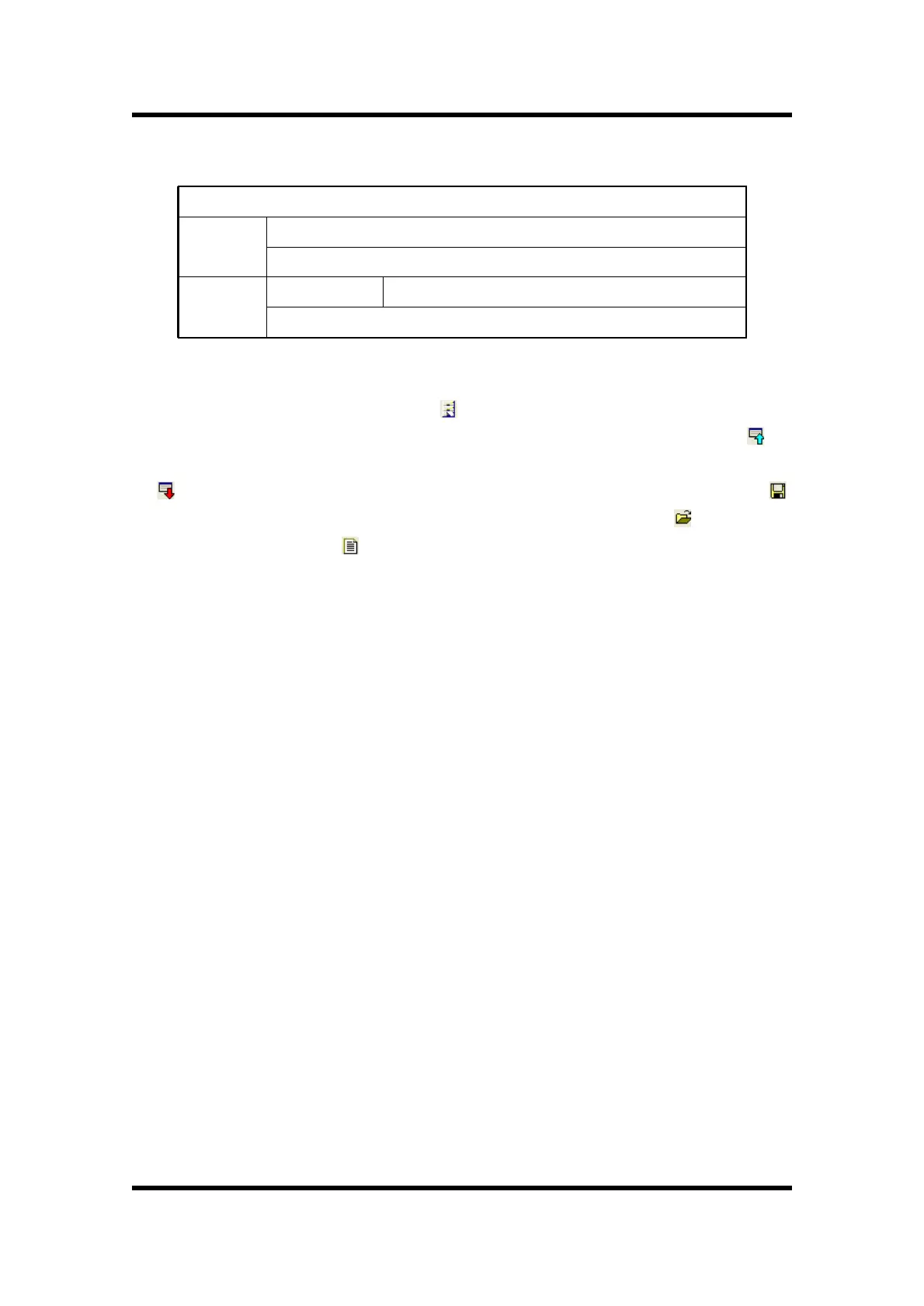
【Table 7.2】 Communication Port Configuration
7.4 Setting Update Screen
Select the relay in Relay Select( ) in SetGDRSeries menu, then the screen to
select Setting, Status, Report category appears. From this, press Relay → PC ( ) to
verify the stored system configuration and Protection setting, and press PC → Relay
( ) to input the current Setting screen contents to the relay. Also, press Save( )
to store the Setting screen contents as (*.gdr) file, and press Open( ) to load the
stored file. Press Report( ) to store as (*.txt) file for easy production of reports.
7.4.1 Setting
Setting Screen sets the protection relay element and the categories related to the
System Configuration of the relay. Setting categories are mainly composed of
OVR(OverVoltage relay element), Power System, and T/S Output, and the description
of each element is the same as menu screen, so please refer to "6. Display and
Setting Mode".


 To Next Page