MTC Failure Display Specification for K5BMC EI
Document No. Z914-C73000030E Ver. 5
12. Feb. 2011 P 8 / 25
3.4 Control Panel Display
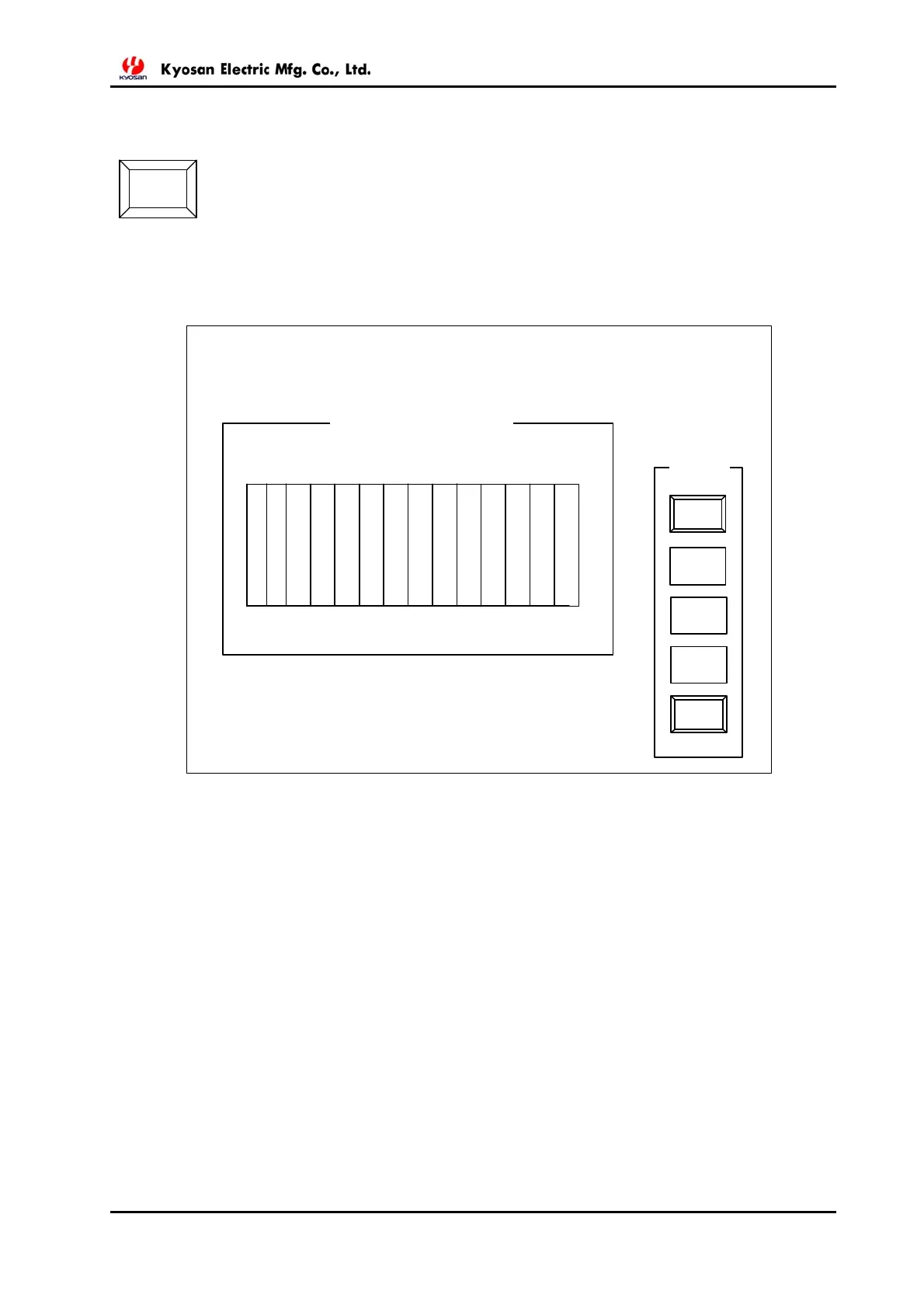
By pressing CONTROL PANEL button on the General Sytem Display, shifting
to CONTROL PANEL Display below can be achieved.
Each card status is to be indicated in green for normal and in red for abnormal.
When any card and ET-card portion on the display below are clicked, it will shift to the card level
display as same of clause “3.3.3 MMIF Block”
CONTROL
PANEL
S1
-1
CONTROL PANEL
STATUS
OTHER
BLOCK
MTC
OPC
LOGIC
RACK
OUT FIELD
EQUIPMENT
CONTROL
PANEL
LINEM2
LINEM2
MMIF2
MMIF2
MMIF2
MMIF2
MMIF2
-2
-3
-4
-5
S2
S1
S1
S1
S1
S1



 To Next Page